NUEVO: Kling 4.0 ya está disponible en SeeGen AI. Crea vídeos desde solo $0.216/seg.Pruébalo ahora
GPT Image 2.5
Generador de imágenes con IA ChatGPT Image 2.5
Publicado por OpenAI el 8 de septiembre de 2026, GPT Image 2.5 permite crear fotos de productos, carteles y retratos a partir de texto o referencias. Ajusta fondos, texto y detalles con mayor control sobre lo que cambia y lo que se conserva.
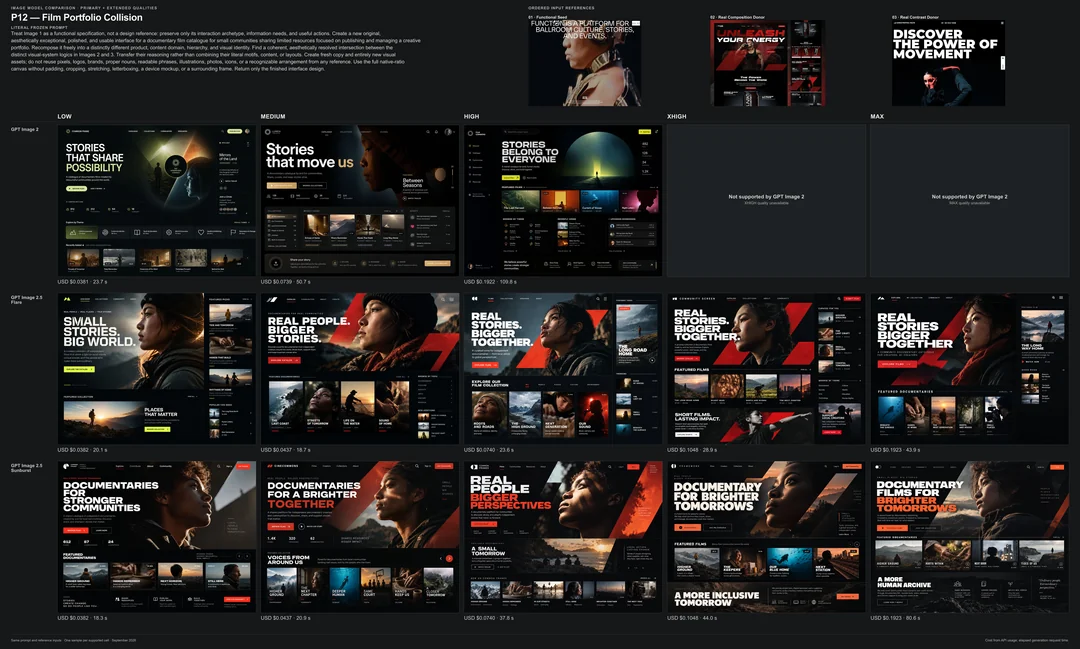
Flare y Sunburst ofrecen calidad medium/high/xhigh/max, ajustes 1K/2K/4K y salida PNG/JPEG/WebP. Las dimensiones reales pueden diferir del ajuste seleccionado.
GPT Image 2.5 frente a GPT Image 2: ¿qué ha cambiado?
GPT Image 2.5 aporta detalles más naturales, mayor fidelidad a las referencias y mejor control de las ediciones. Flare también reduce el tiempo de generación, mientras que Sunburst se centra en una edición más precisa.
Característica
GPT Image 2
GPT Image 2.5
Fecha de lanzamiento
21 de abril de 2026
8 de septiembre de 2026
Detalle de imagen
Generación de imágenes realistas
Iluminación más natural y texturas más finas
Imágenes de referencia
Usa referencias para orientar los resultados
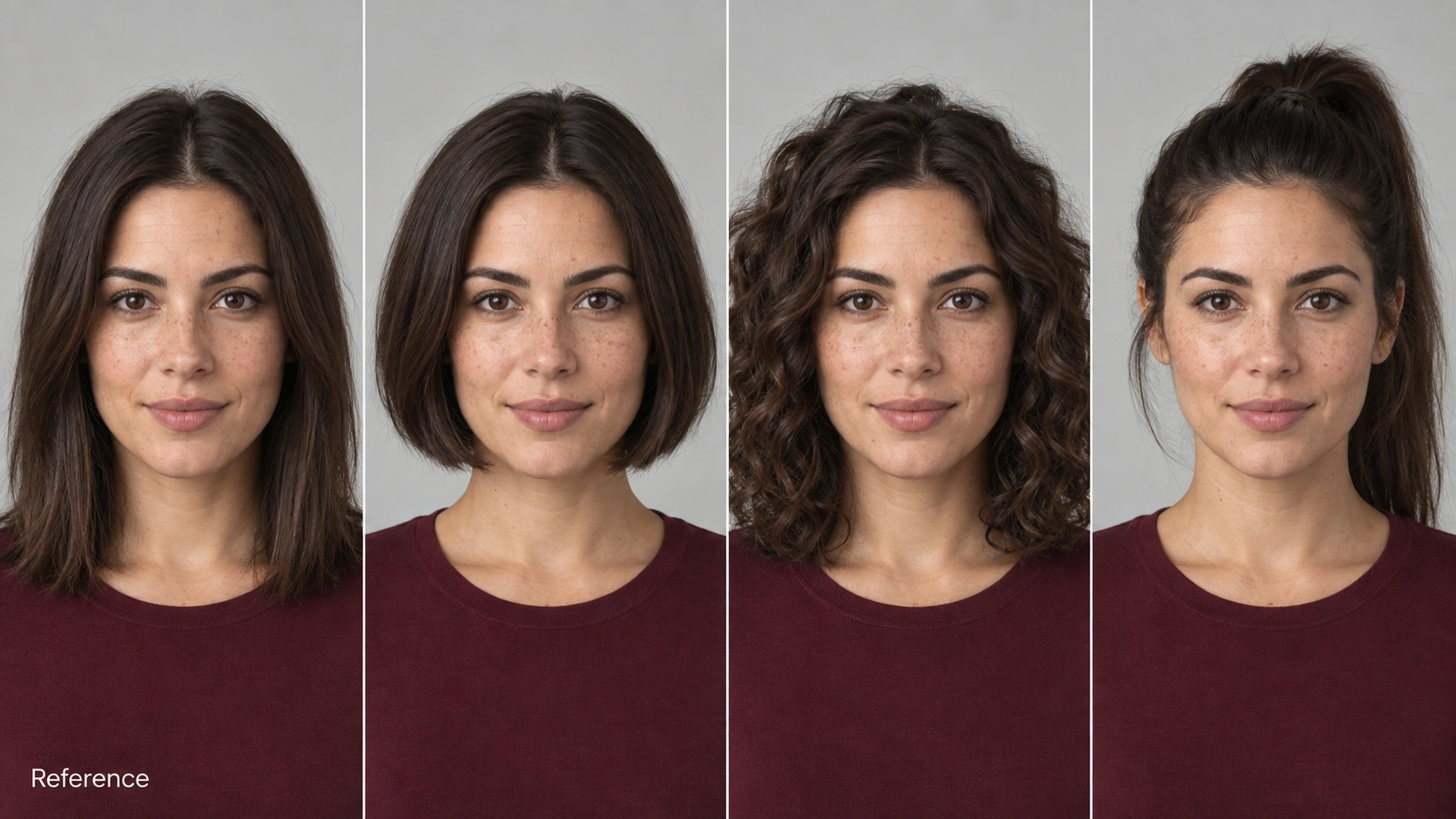
Conserva mejor los rasgos reconocibles de caras, productos y otros sujetos
Ediciones específicas
Admite cambios guiados por texto
Cambios más precisos con menos alteraciones no deseadas en el resto de la imagen
Coherencia entre ediciones
Admite ediciones posteriores
Conserva mejor los cambios y detalles anteriores
Velocidad de generación
Referencia para la comparación de OpenAI
Flare: un 50 % menos de latencia, según OpenAI
Clasificación de Arena de texto a imagen
N.º 3 · Puntuación: 1381
Sunburst n.º 1 · 1421; Flare n.º 2 · 1399
Clasificación de Arena de edición de una imagen
N.º 3 · Puntuación: 1461
Sunburst n.º 1 · 1520; Flare n.º 2 · 1491
Clasificaciones correspondientes a la captura de Arena del 7 de septiembre de 2026, comprobada el 9 de septiembre. Los resultados de GPT Image 2.5 figuran como Preliminary (provisionales) y pueden cambiar con nuevos votos. Las entradas de GPT Image 2 usan calidad medium. La mejora de velocidad corresponde a Flare, no a Sunburst.
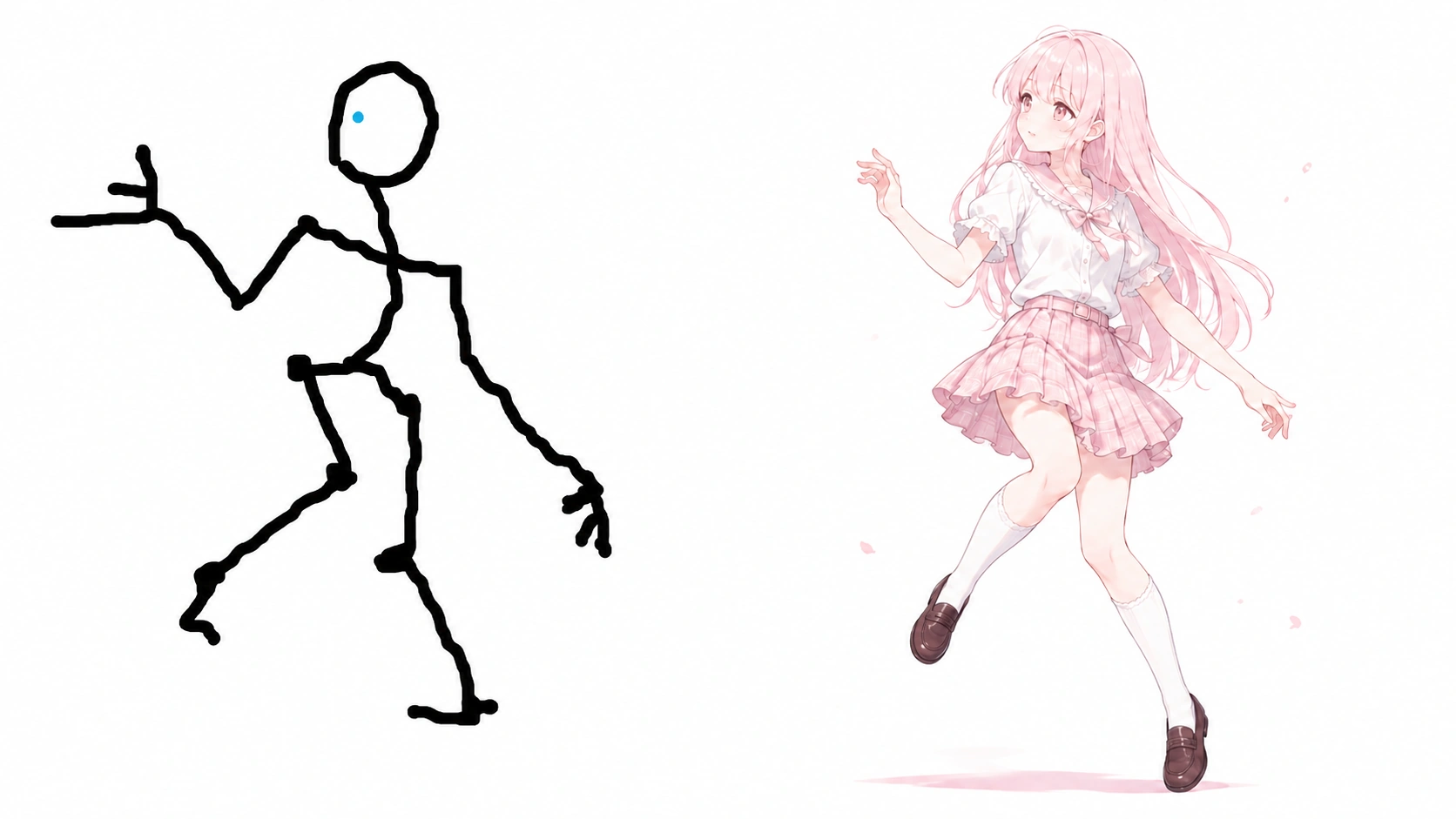
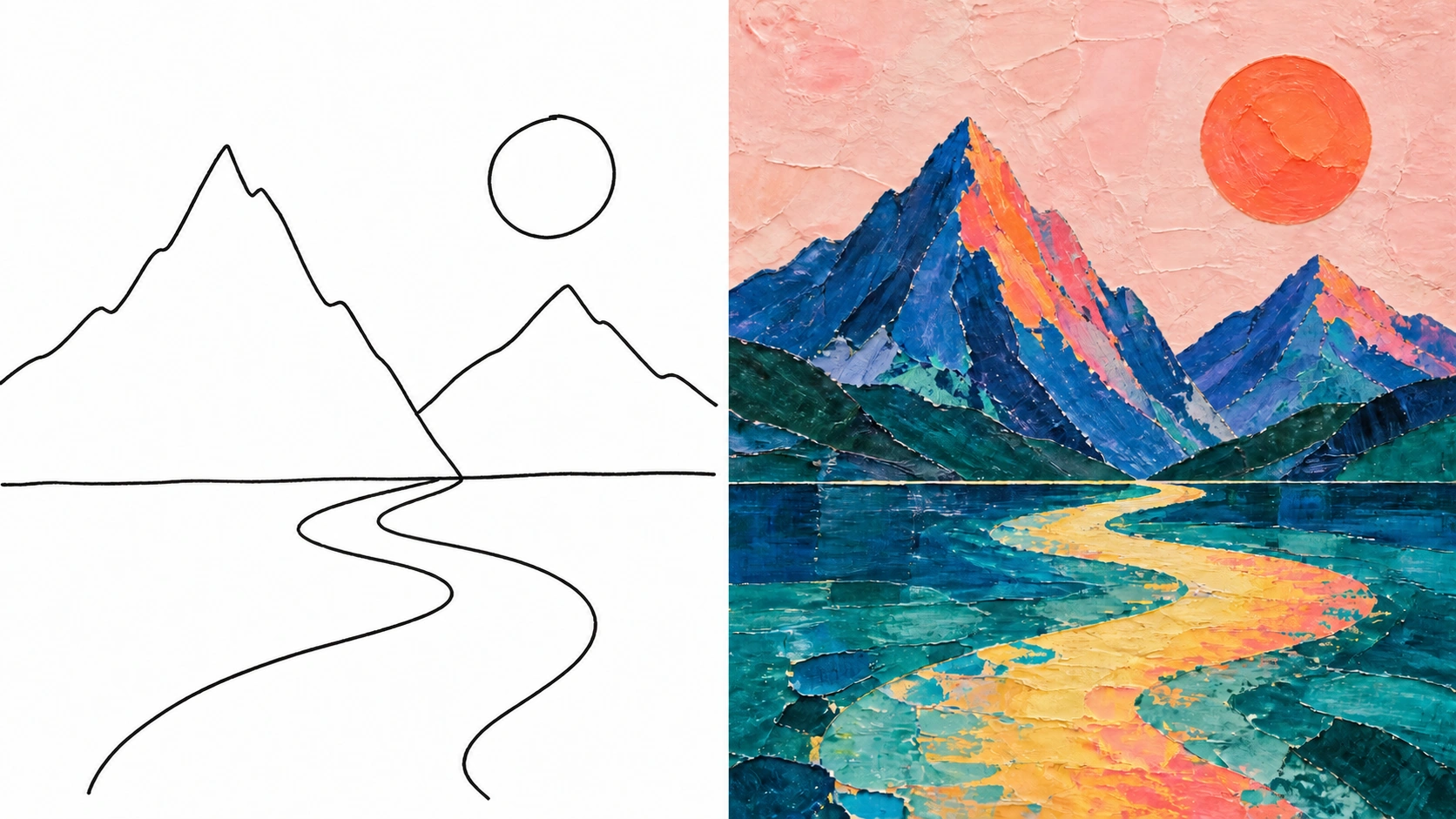
Empieza con un prompt, un boceto o una referencia. Crea un diseño terminado y después perfecciona sus detalles sin rehacer toda la imagen.
01
Convertir bocetos en imágenes terminadas
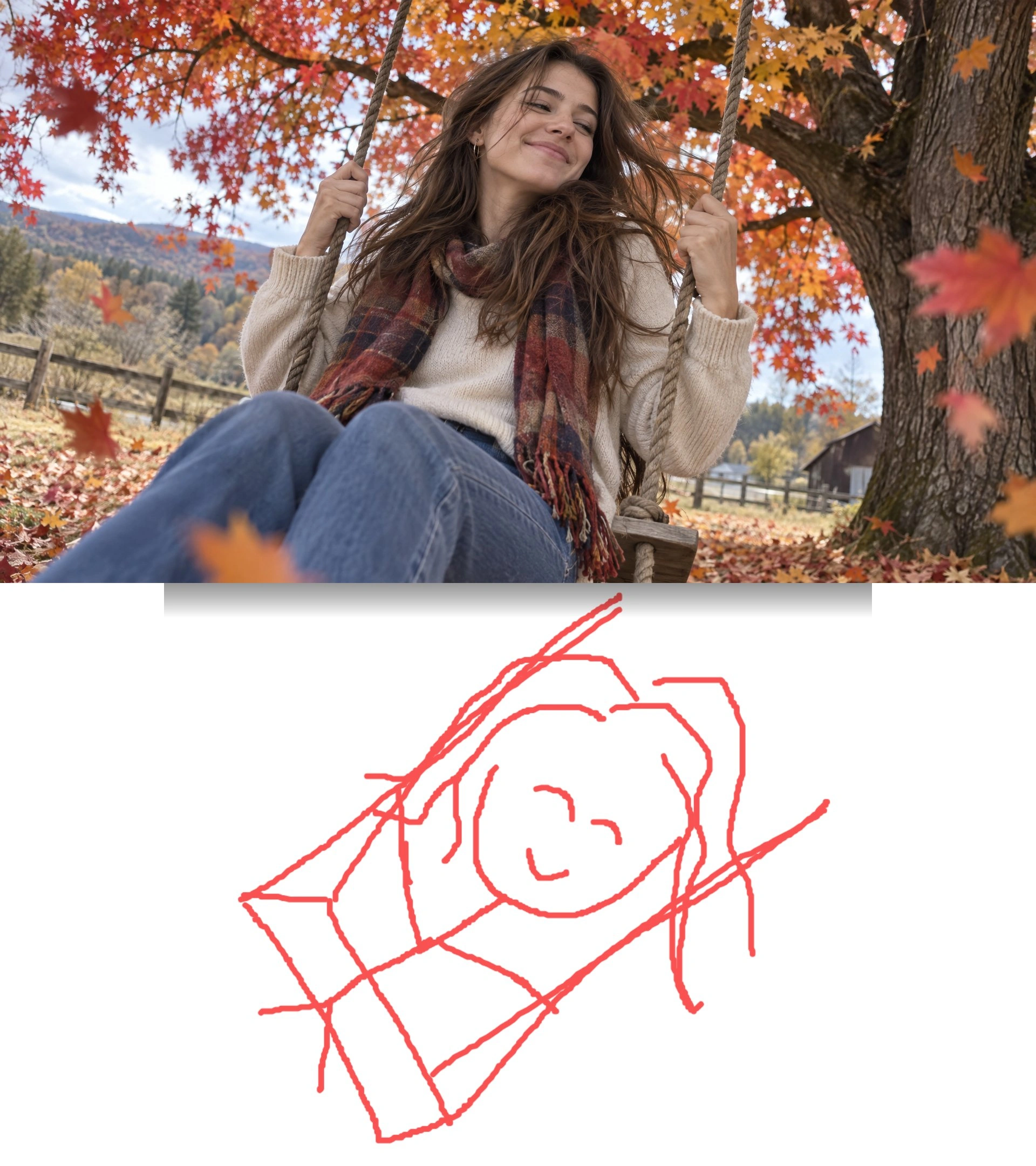
Transforma un dibujo sencillo en una foto de producto, un diseño de interiores o una escena de estilo 3D. Sube el boceto y describe el aspecto deseado. El dibujo guía la posición y las proporciones mientras GPT Image 2.5 añade color, iluminación y textura.
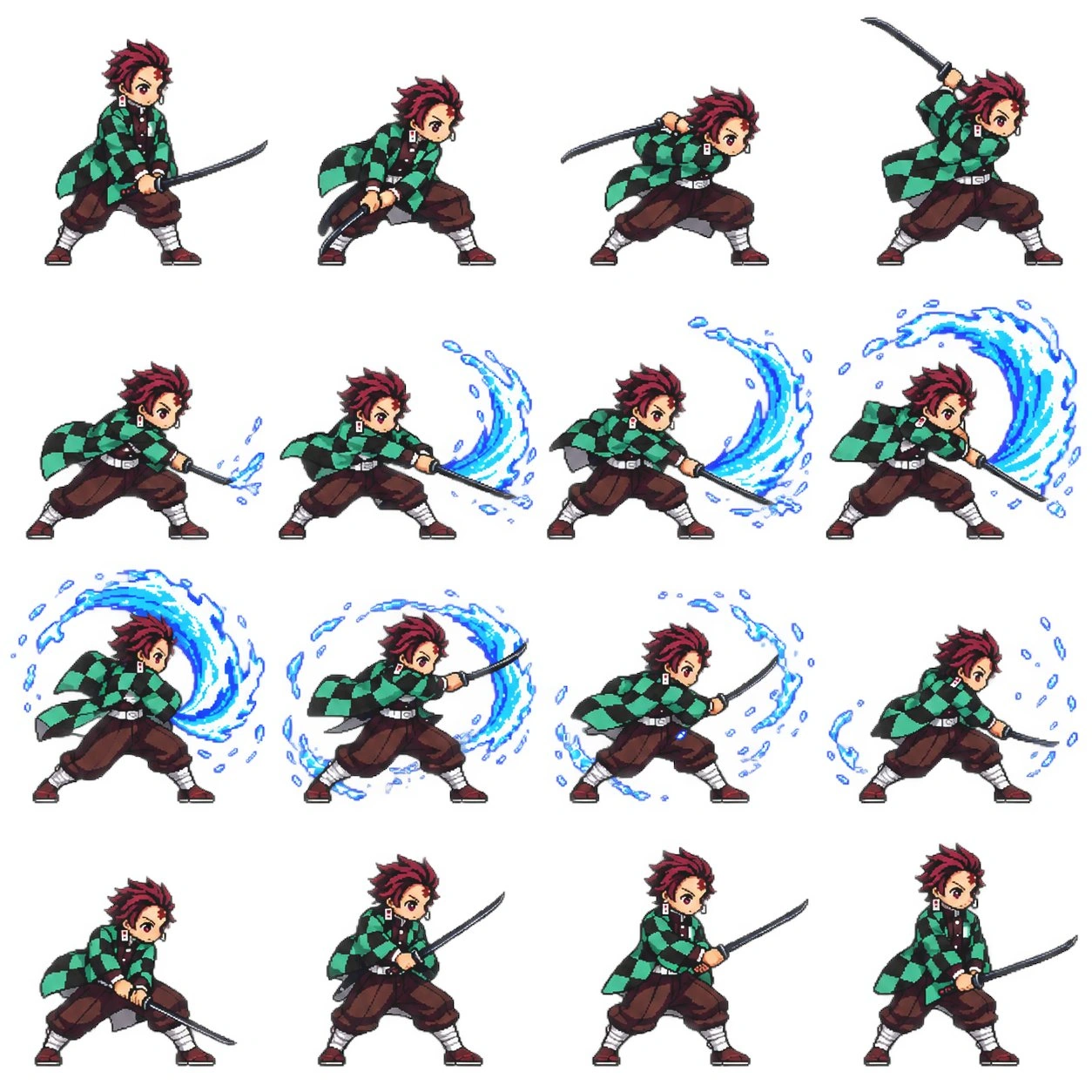
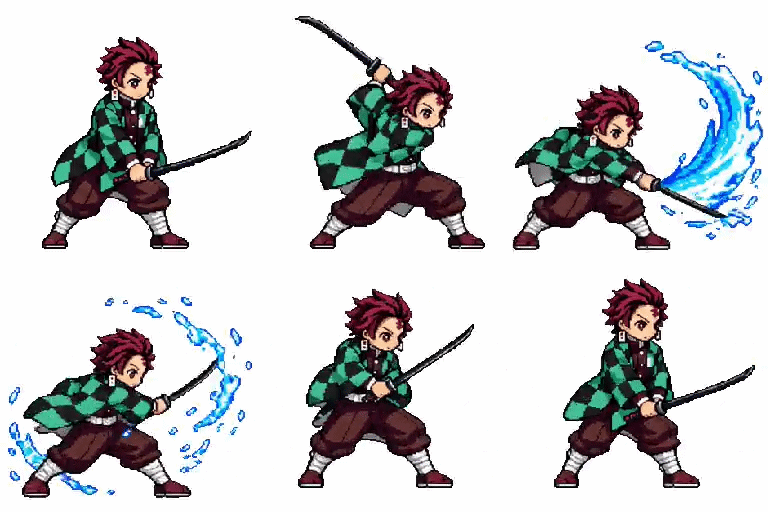
FotogramasGIF animado
02
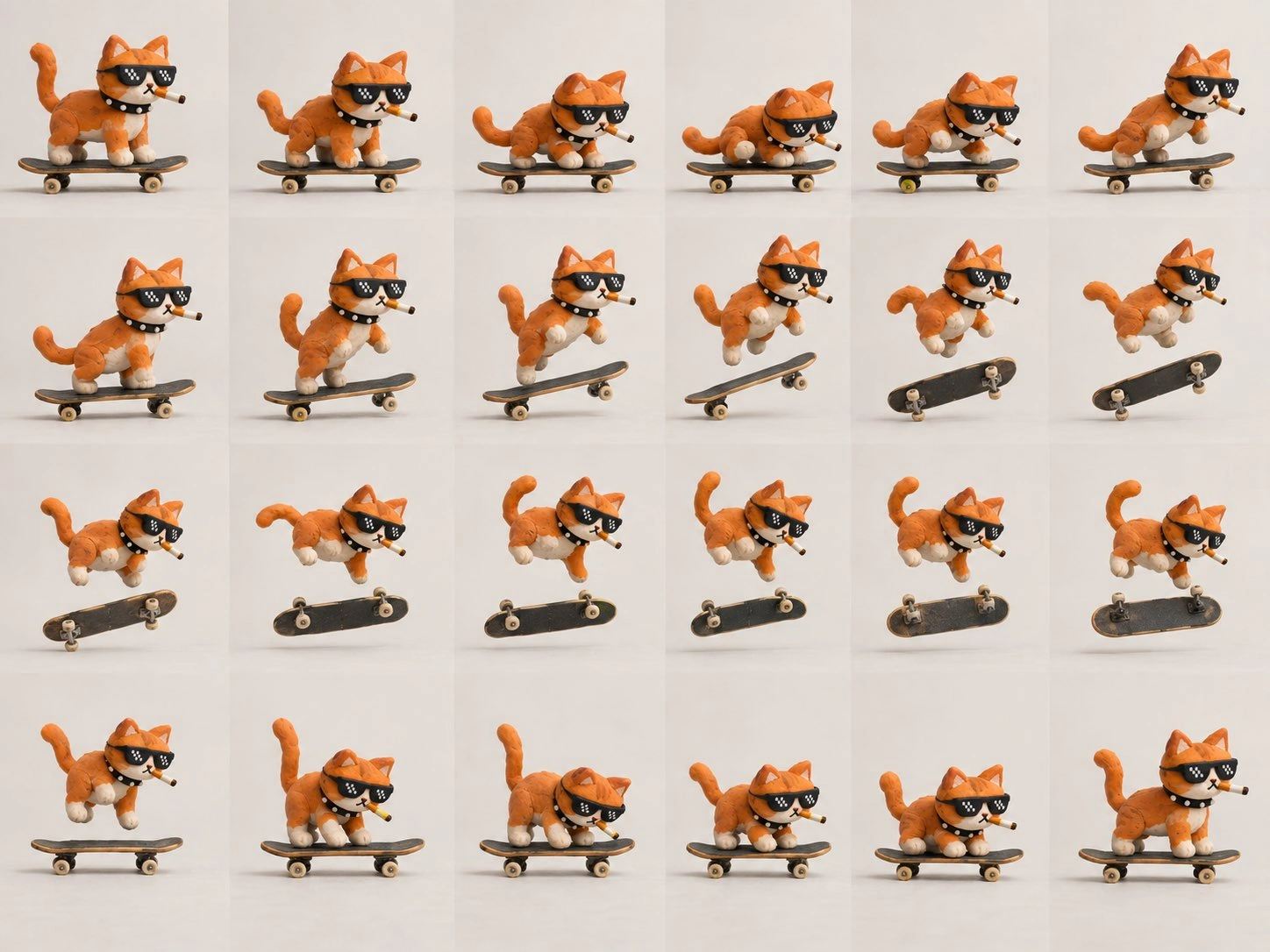
Crear fotogramas para GIF y animaciones stop motion
Genera una serie de imágenes con pequeños cambios de pose, expresión o posición de objetos. Después, combínalas en un GIF en bucle o una animación de estilo stop motion con otro editor. Usar una referencia común ayuda a mantener el mismo personaje y entorno.
03
Editar imágenes sin empezar de cero
Sustituye un fondo, cambia el color de un producto o actualiza el texto de un cartel. Describe qué debe cambiar y qué debe mantenerse. GPT Image 2.5 ofrece ediciones más precisas que ayudan a conservar el sujeto, la composición y los detalles circundantes.
04
Mantener reconocibles los sujetos de referencia
Coloca el mismo producto en distintos entornos o prueba otro estilo de retrato. Las referencias guían el resultado y mantienen los rasgos distintivos más cerca del original, para crear conjuntos coherentes de fotos de productos o personajes.
05
Crear carteles con texto y composición
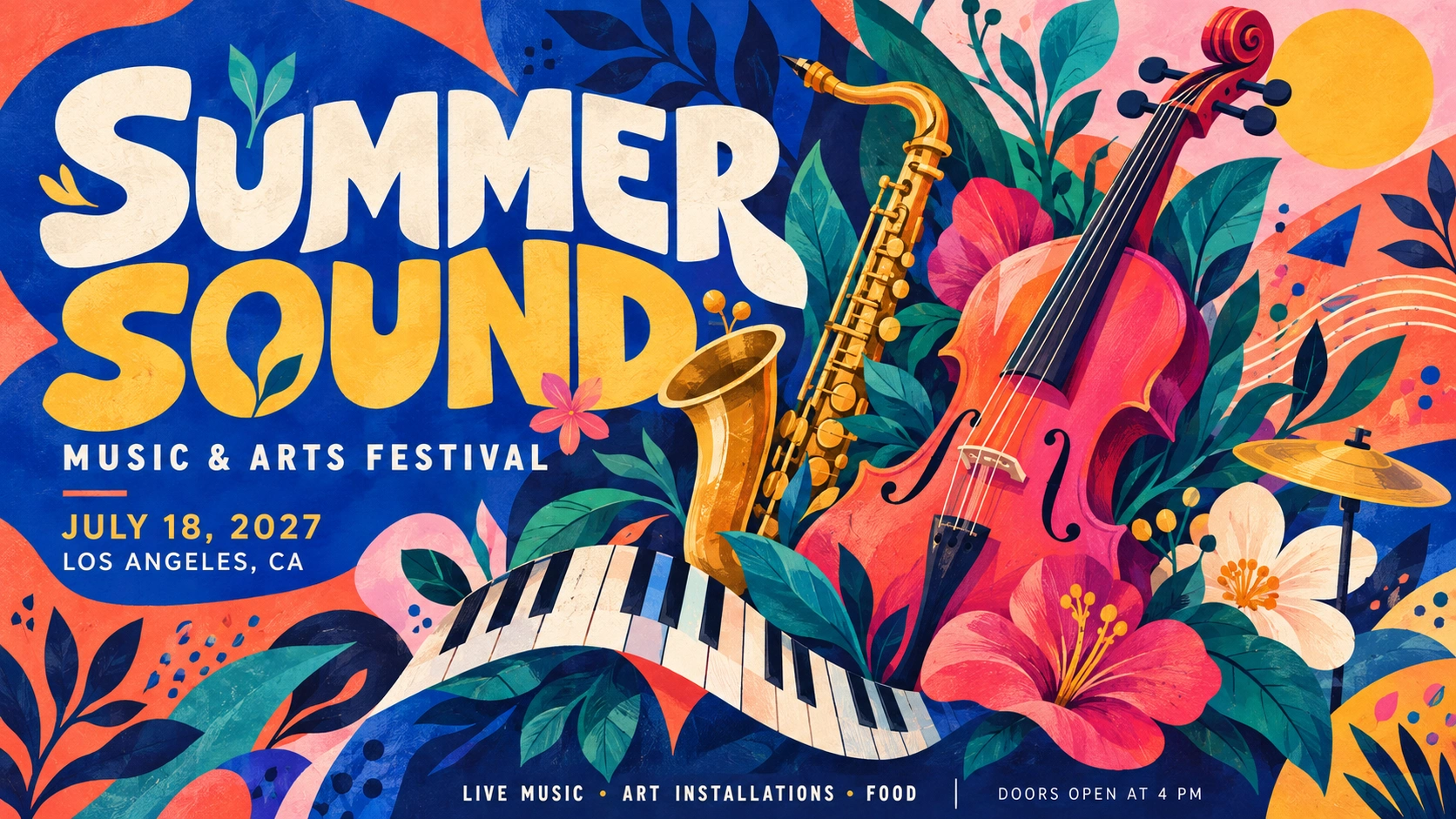
Diseña carteles de eventos, invitaciones y gráficos para redes con texto integrado. Especifica las palabras exactas, su ubicación y los elementos destacados. Revisa la ortografía y el texto pequeño antes de publicar.
06
Crear imágenes con detalles naturales
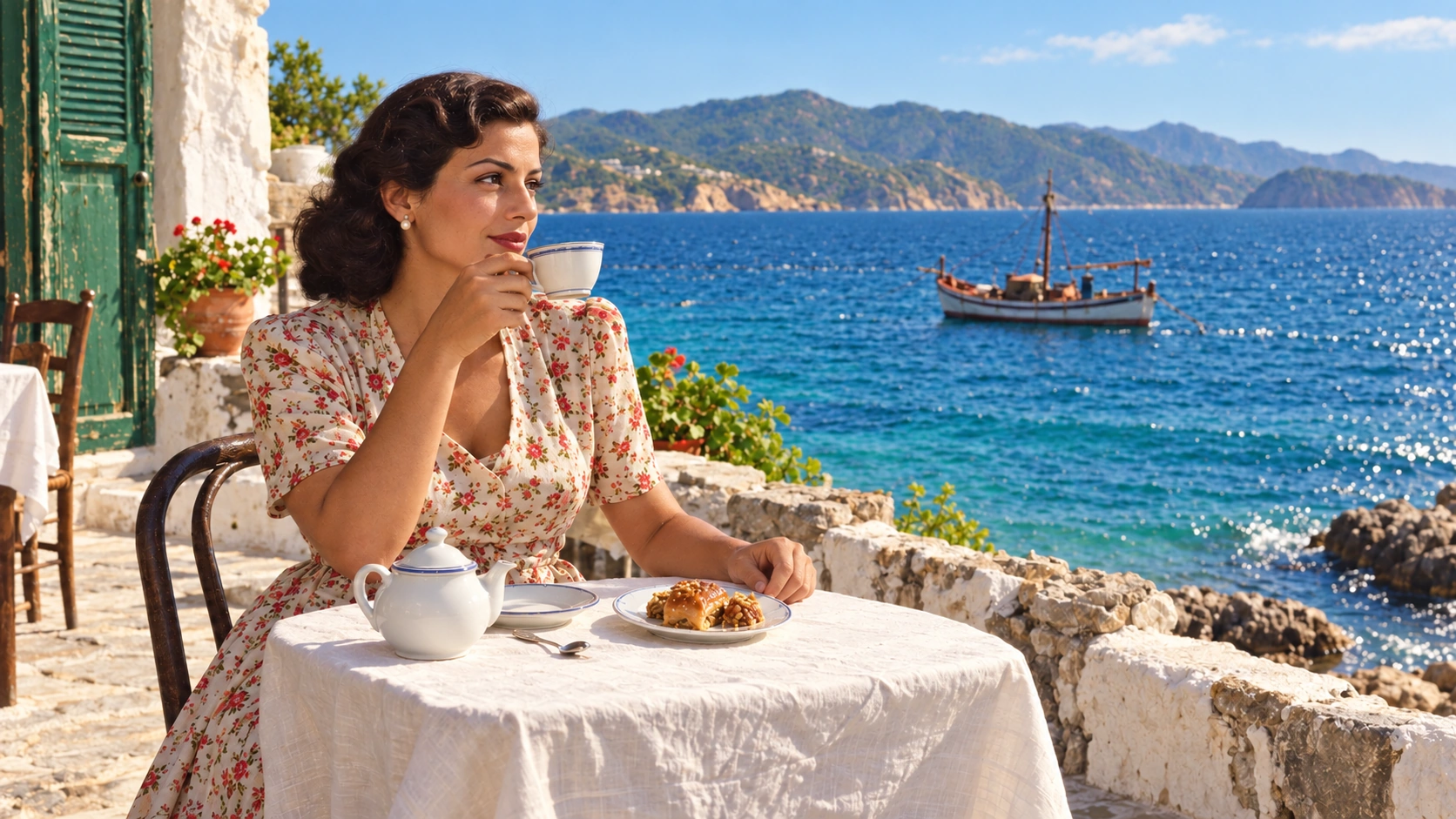
Genera retratos con textura de piel natural, ropa con tejidos detallados y productos con reflejos creíbles. Describe materiales, fuente de luz y entorno, desde una foto de estudio con iluminación suave hasta una escena exterior.
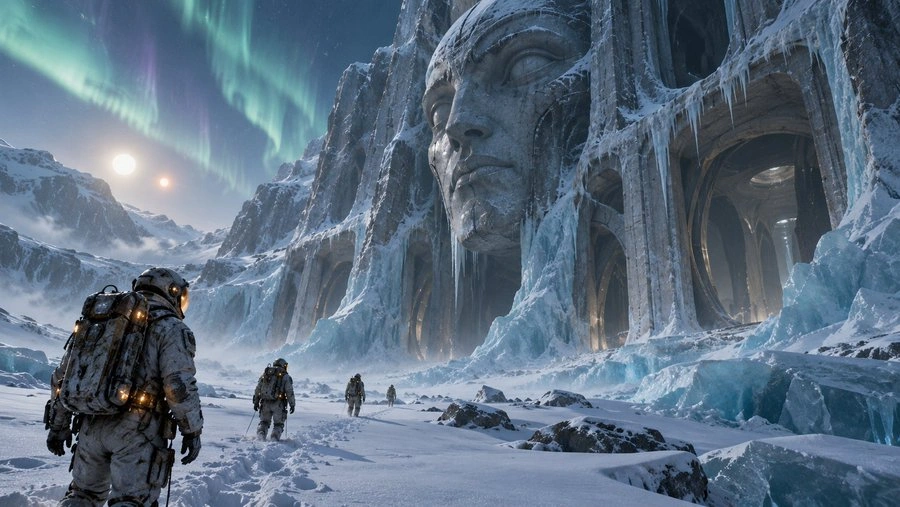
An expedition team in weathered EVA suits discovering cyclopean alien architecture half-buried in blue ice on a distant moon, a colossal stone face staring from a cliff, aurora lights dancing overhead, frost crystals catching the light of a distant binary star, footprints in untouched snow, sense of ancient dread, cold blue-cyan palette with warm suit lights, National Geographic meets Alien, cinematic documentary still.
Turn the reference sketch into a photorealistic autumn portrait, preserving its pose and composition. A young adult woman with long brown hair sits on a wooden swing, holding both ropes and smiling gently. She wears a cream knit sweater, burgundy plaid scarf, and blue jeans. Shoot from a close, slightly low angle beneath orange-red maple leaves, with a rustic fence and wooded hills behind her. Soft daylight, natural skin and fabric texture, windblown hair, subtle film grain. 16:9 landscape, finished photo only, no sketch or text.
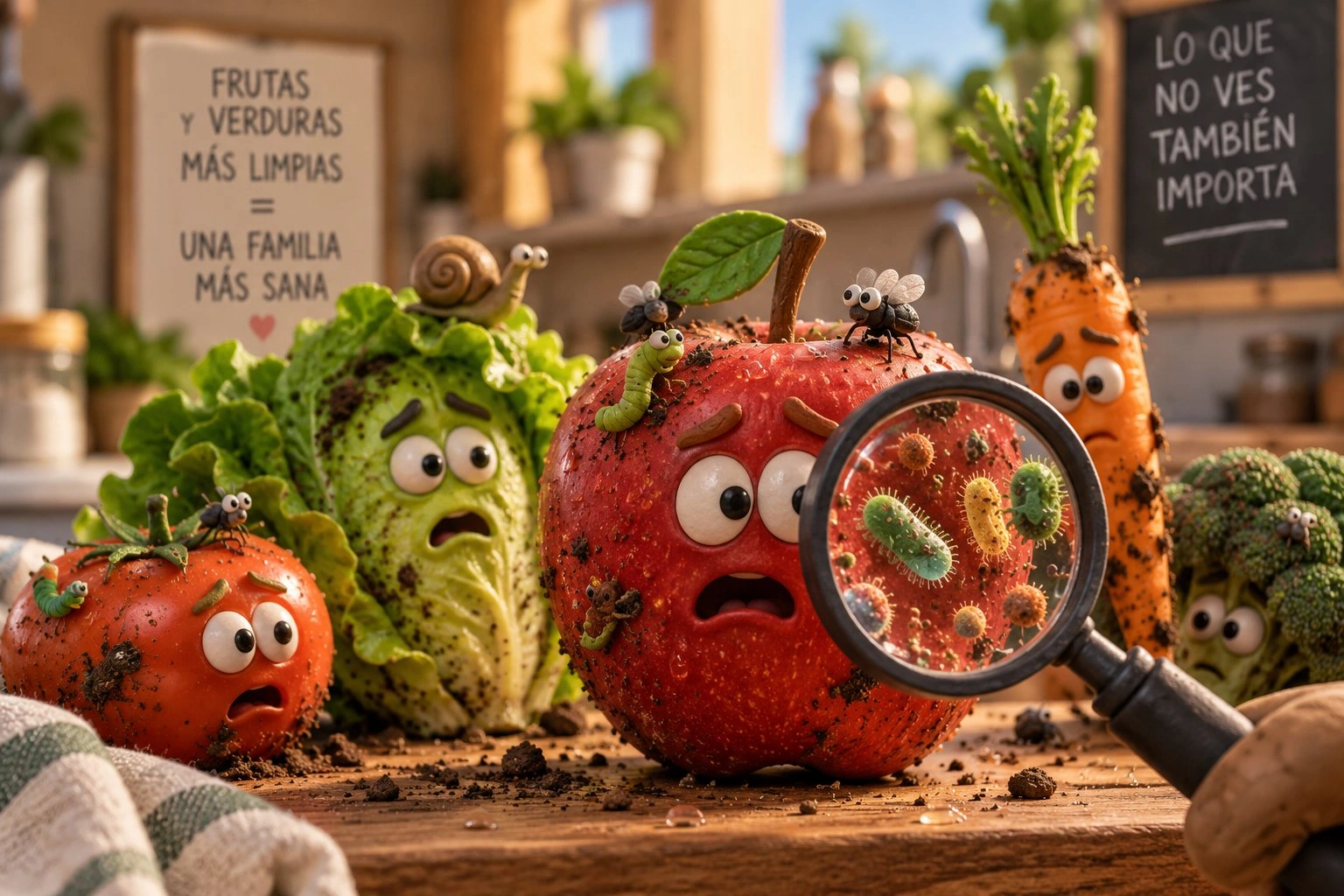
A whimsical cinematic 3D illustration of frightened, dirty fruits and vegetables on a wooden kitchen counter. A large red apple stands in the center, surrounded by a tomato, lettuce, carrot, and broccoli, all with expressive eyes and worried faces. Soil, caterpillars, flies, and a snail cover their surfaces. A hand holds a magnifying glass in the foreground, revealing colorful cartoon microbes on the apple’s skin. Warm sunlight, a cozy rustic kitchen, detailed textures, shallow depth of field, playful educational advertising style. Background signs read "FRUTAS Y VERDURAS MÁS LIMPIAS = UNA FAMILIA MÁS SANA" and "LO QUE NO VES TAMBIÉN IMPORTA." Landscape composition.
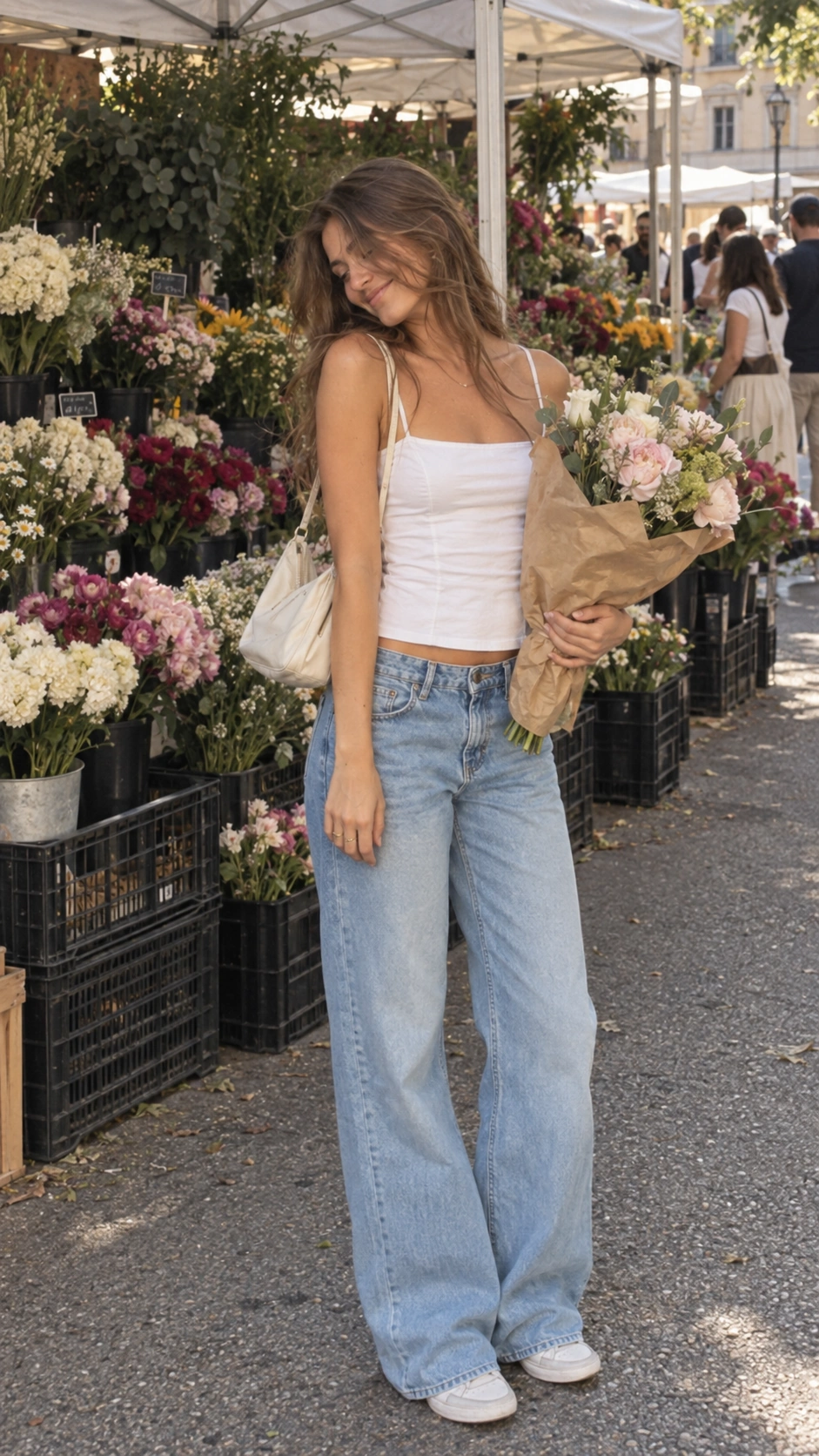
A candid full-body photo of a young adult woman at an outdoor flower market, holding a bouquet wrapped in brown paper. White camisole, loose light-blue jeans, ivory shoulder bag, tousled brown hair, looking down with a gentle smile. Colorful flower stalls, soft daylight, natural skin texture, subtle film grain.
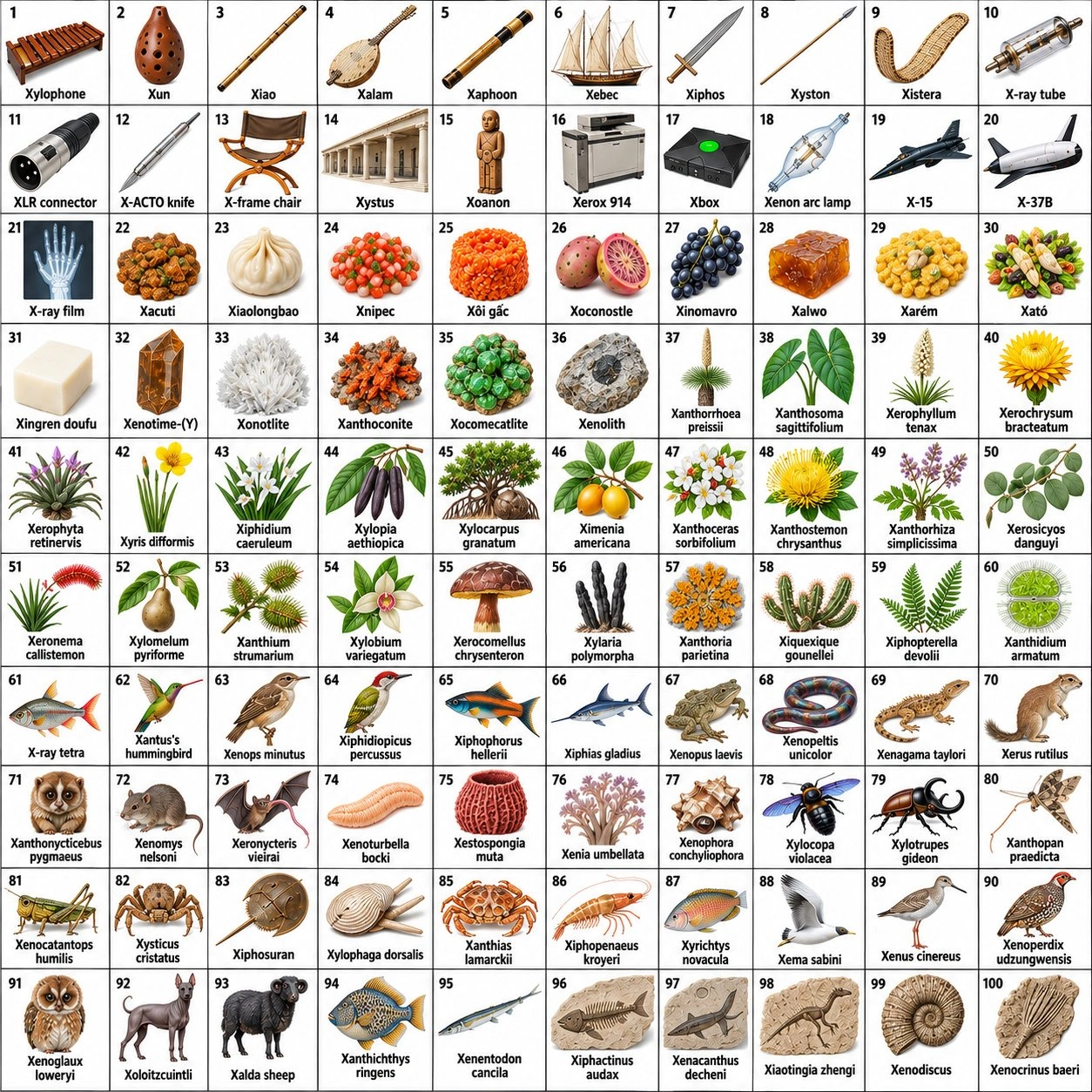
Find exactly 100 distinct, real, drawable physical things whose established English names start with X. Include varied objects, organisms, foods, materials, and artifacts.
Exclude invented names, "Xmas," abstract terms, symbols, software, duplicates, synonyms, trivial variants, and generic objects padded with X-word modifiers. Allow established compounds, common object abbreviations such as "XLR connector," accepted loanwords, and accurately drawable scientific terms. Verify obscure terms and avoid misleading names or illustrations.
For each entry, provide: number, exact name, category, brief definition, visual description, and High/Medium confidence. Check every entry twice for validity, tangibility, visual distinctness, accurate depiction, and suitability for a children’s educational chart. Exclude borderline entries where possible; identify any retained ones. Add a "Rejected candidates" section with brief reasons.
Prioritize accuracy over quantity. If fewer than 100 qualify, state this and provide the best verified set without inventing fillers.
Only after validating 100 entries, create a 10 × 10 picture grid. Each cell must show exactly one approved item, its number, and its unchanged name. Use a white background, consistent illustrations, clear cell divisions, large readable labels, and no decorative objects. Depictions must match the validated definitions precisely.
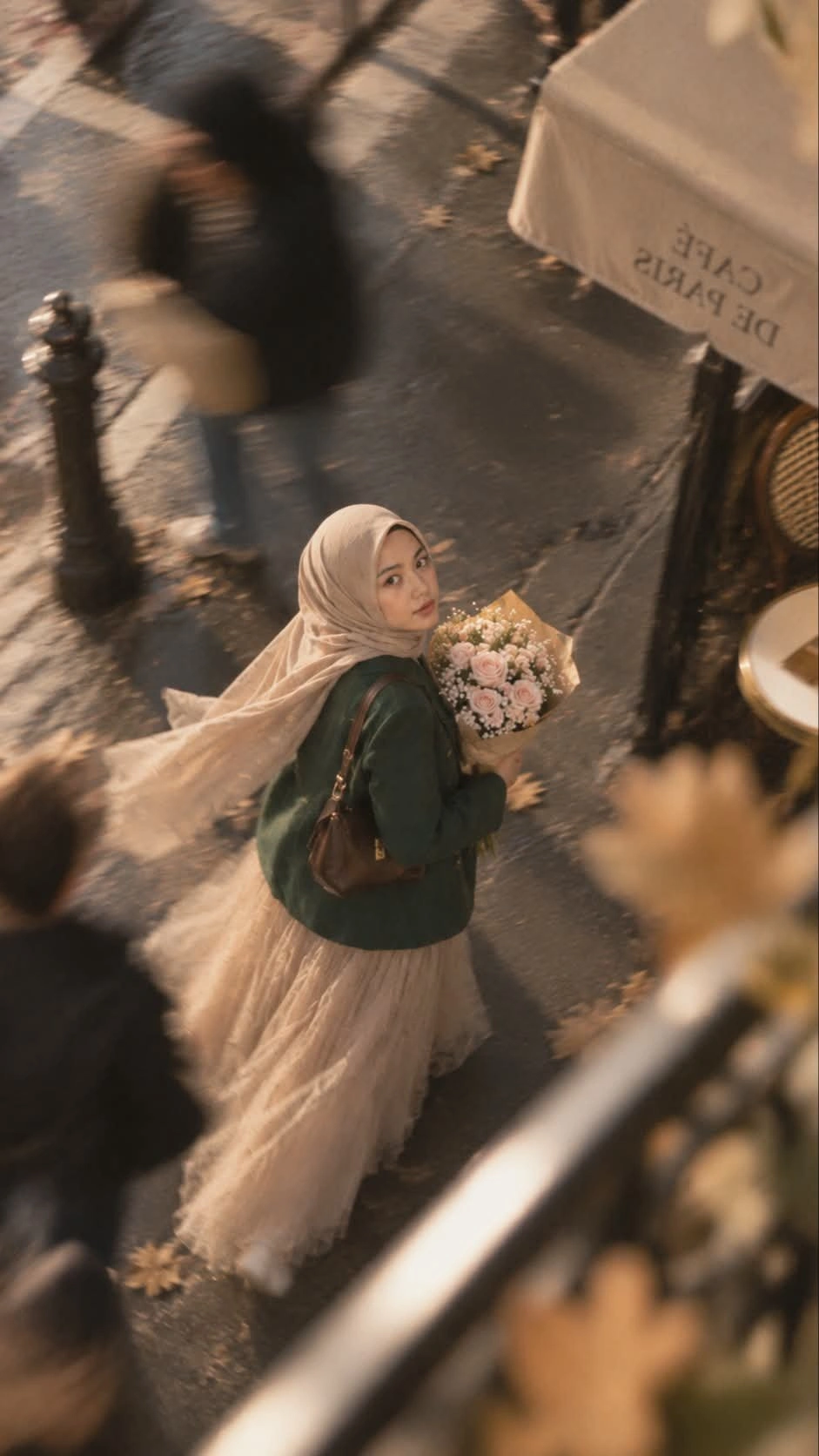
Photorealistic Paris street portrait, vertical 9:16. A young Southeast Asian hijabi woman walks forward, turning back toward the camera with a calm, curious expression. She wears a flowing taupe hijab, oversized emerald blazer, beige tulle maxi skirt, and brown leather shoulder bag, carrying blush roses wrapped in kraft paper. The Eiffel Tower is recognizable in the upper-right background.
Slow-shutter panning creates horizontal background blur while her face stays relatively sharp. Wind moves her hijab and skirt. Slight Dutch angle, 50mm perspective, soft afternoon backlight, muted natural colors, creamy highlights, and subtle film grain. Romantic, candid, and realistic. No aged-photo effects, heavy grain, orange grading, plastic skin, CGI, text, or watermark.
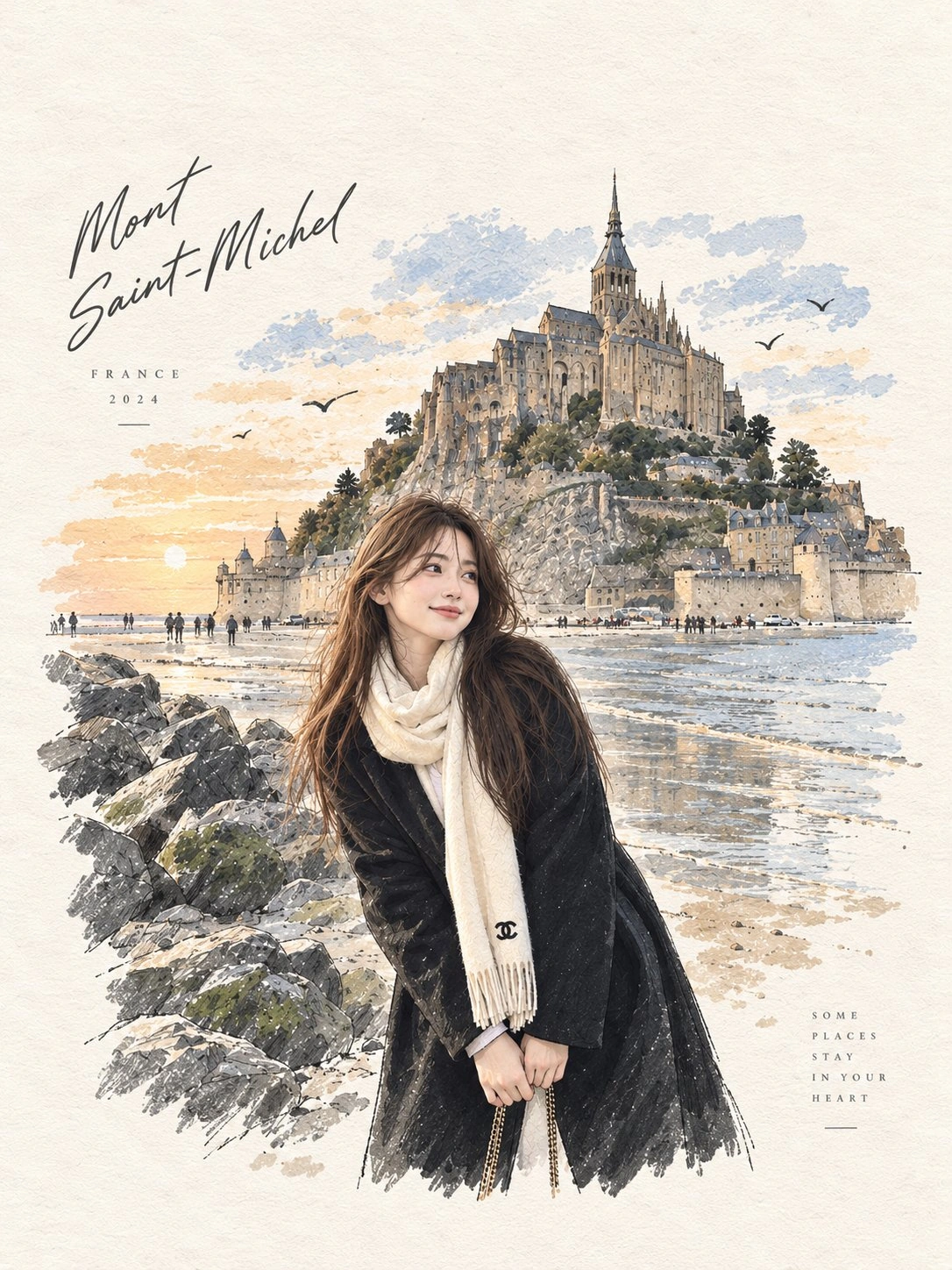
Photorealistic travel portrait of a young East Asian woman on a sandy shore beside moss-covered rocks, with a grand medieval stone abbey rising on a rocky island behind her. Long dark brown hair, gentle smile, looking at the camera. She wears an oversized black coat with hands in pockets, a cream scarf, and a subtle chain shoulder bag. Soft evening light, pale blue sky, detailed stone architecture, natural skin and fabric textures, candid smartphone-photo feel.
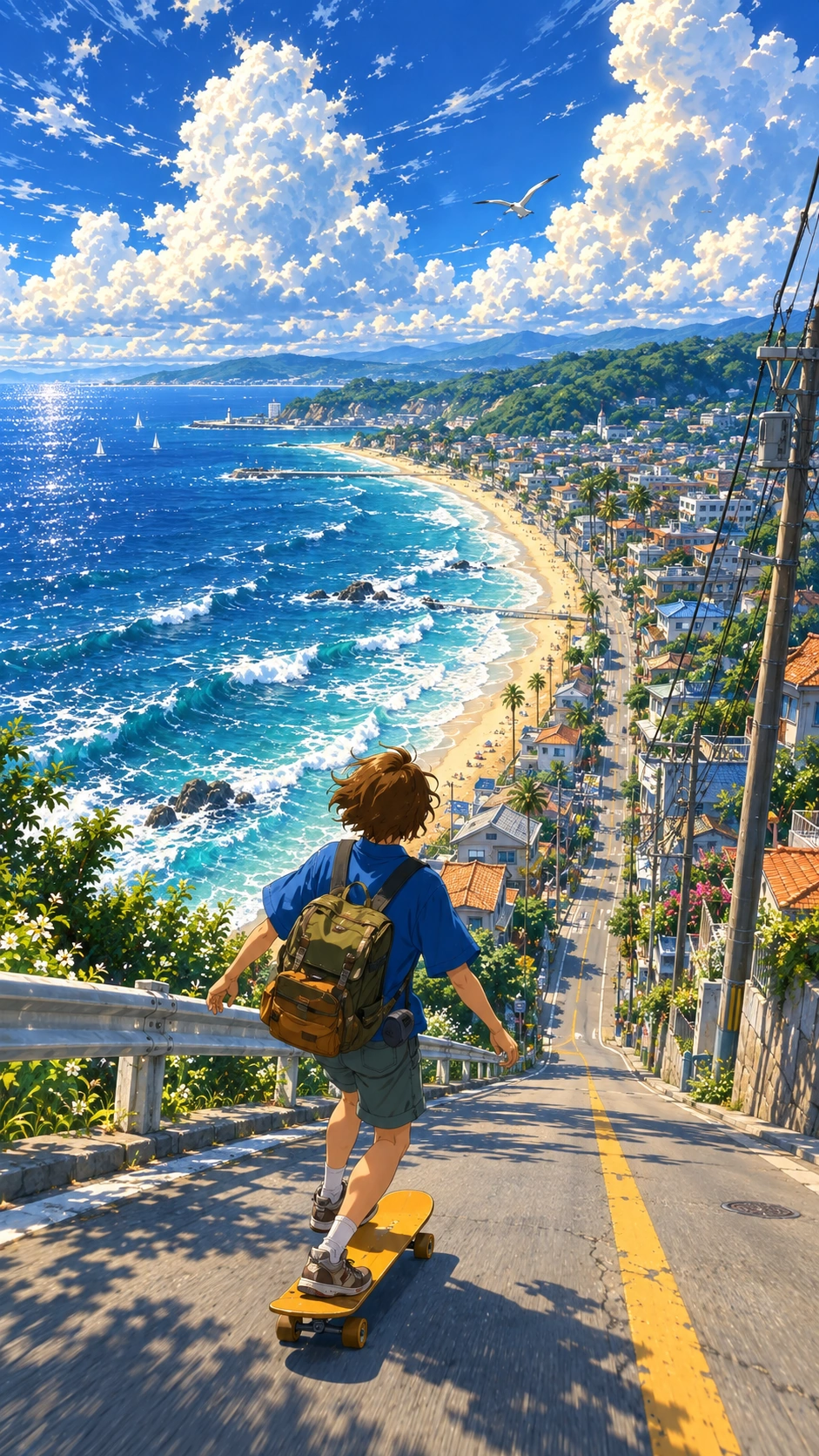
Makoto Shinkai-style anime illustration of a boy with a backpack skateboarding down a steep coastal street, viewed from behind. A sparkling turquoise ocean and crescent beach on the left, a detailed seaside town on the right, towering white clouds in a brilliant blue sky. Vivid summer colors, cinematic sunlight, nostalgic atmosphere.
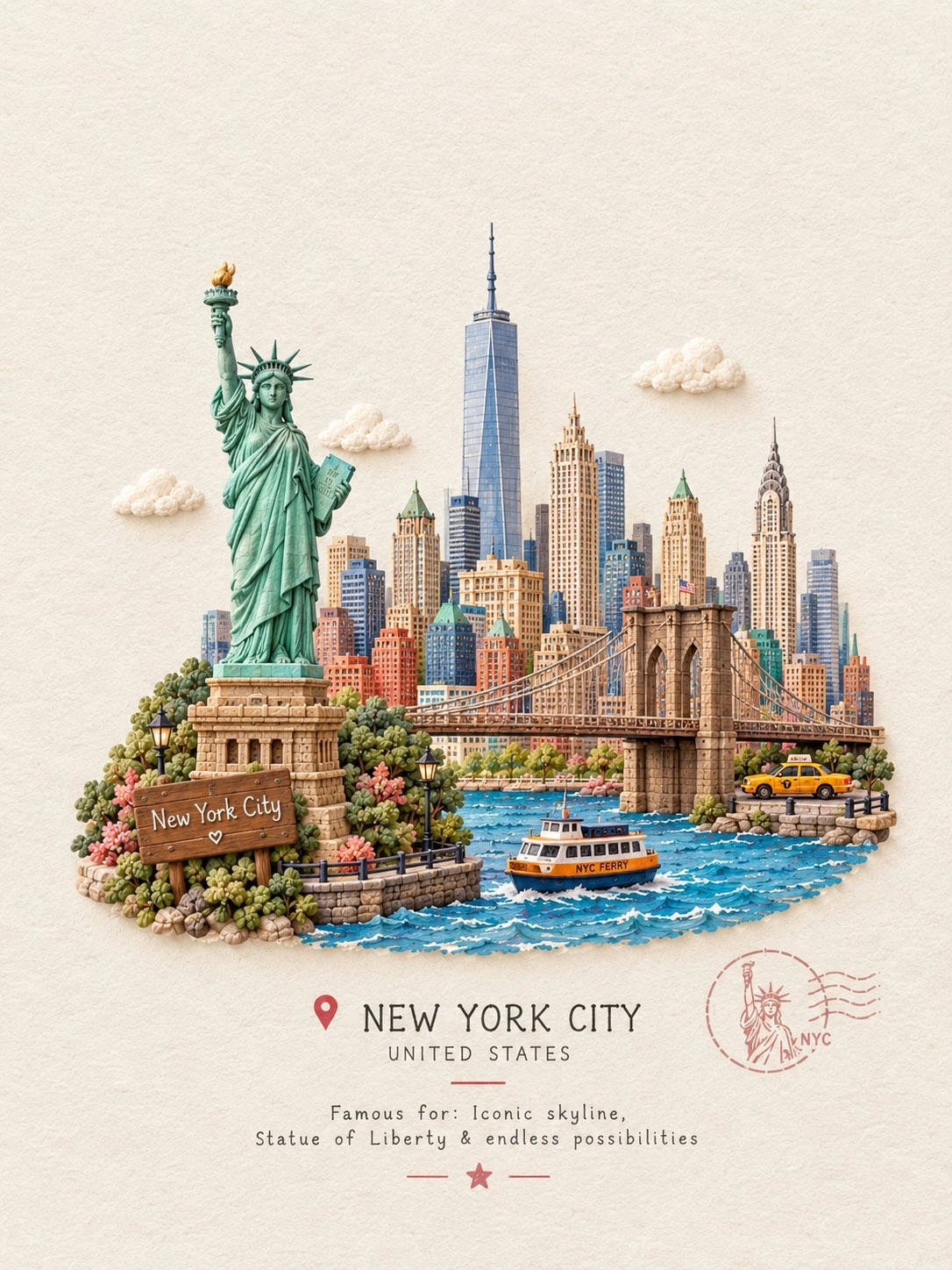
Create a charming handcrafted miniature travel scene featuring [ICONIC STRUCTURE] as the main focal point.
Show the landmark as a beautifully sculpted tiny 3D model, with soft rounded details, handmade textures, delicate imperfections, and a whimsical storybook feeling. Surround it with a few subtle elements that represent its location—such as tiny trees, flowers, streets, boats, mountains, clouds, or local objects—without making the scene crowded.
Place everything on a clean warm-white textured paper background, with plenty of elegant negative space. Add a small tasteful wooden or paper travel plaque containing:
[STRUCTURE NAME]
[CITY, COUNTRY]
Famous for: [SHORT UNIQUE FACT]
Use soft natural lighting, gentle shadows, pastel yet realistic colors, miniature diorama depth, handcrafted clay/paper textures, and a premium cute travel-journal aesthetic. Centered composition, highly detailed landmark, adorable but sophisticated, clean and collectible travel-card design, no photorealistic people, no clutter.
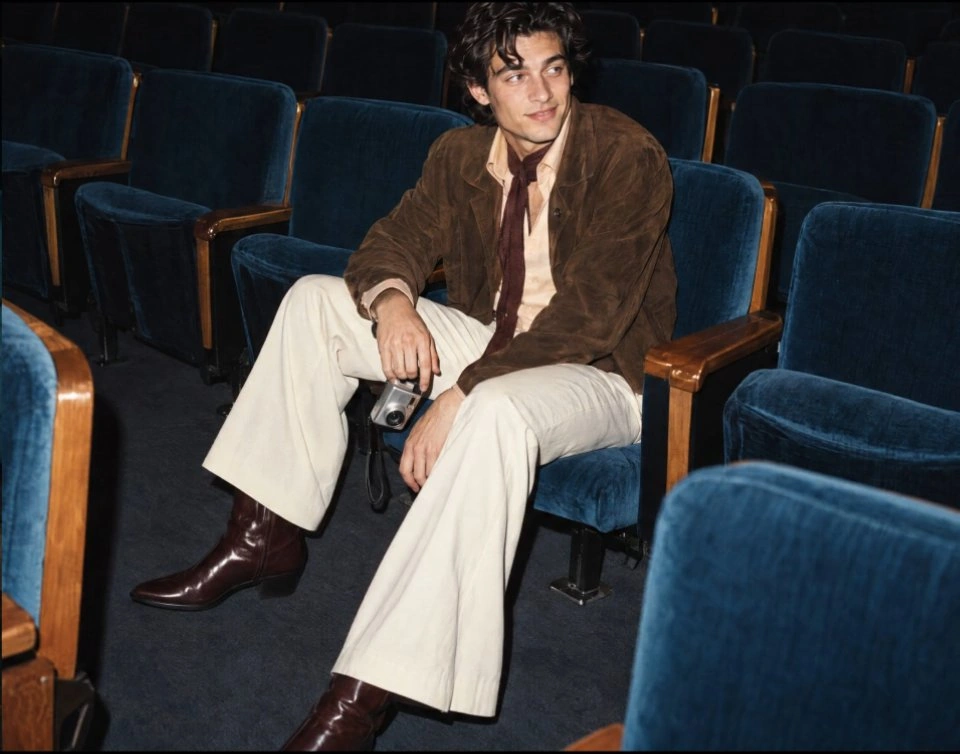
A candid fashion portrait of a young man with tousled dark hair sitting among empty blue velvet theater seats. Brown suede jacket, cream shirt, loose burgundy tie, ivory wide-leg trousers, and dark leather boots. Holding a small silver camera, looking off-camera. Direct flash, natural textures, subtle film grain, vintage editorial style. Landscape, approximately 5:4.
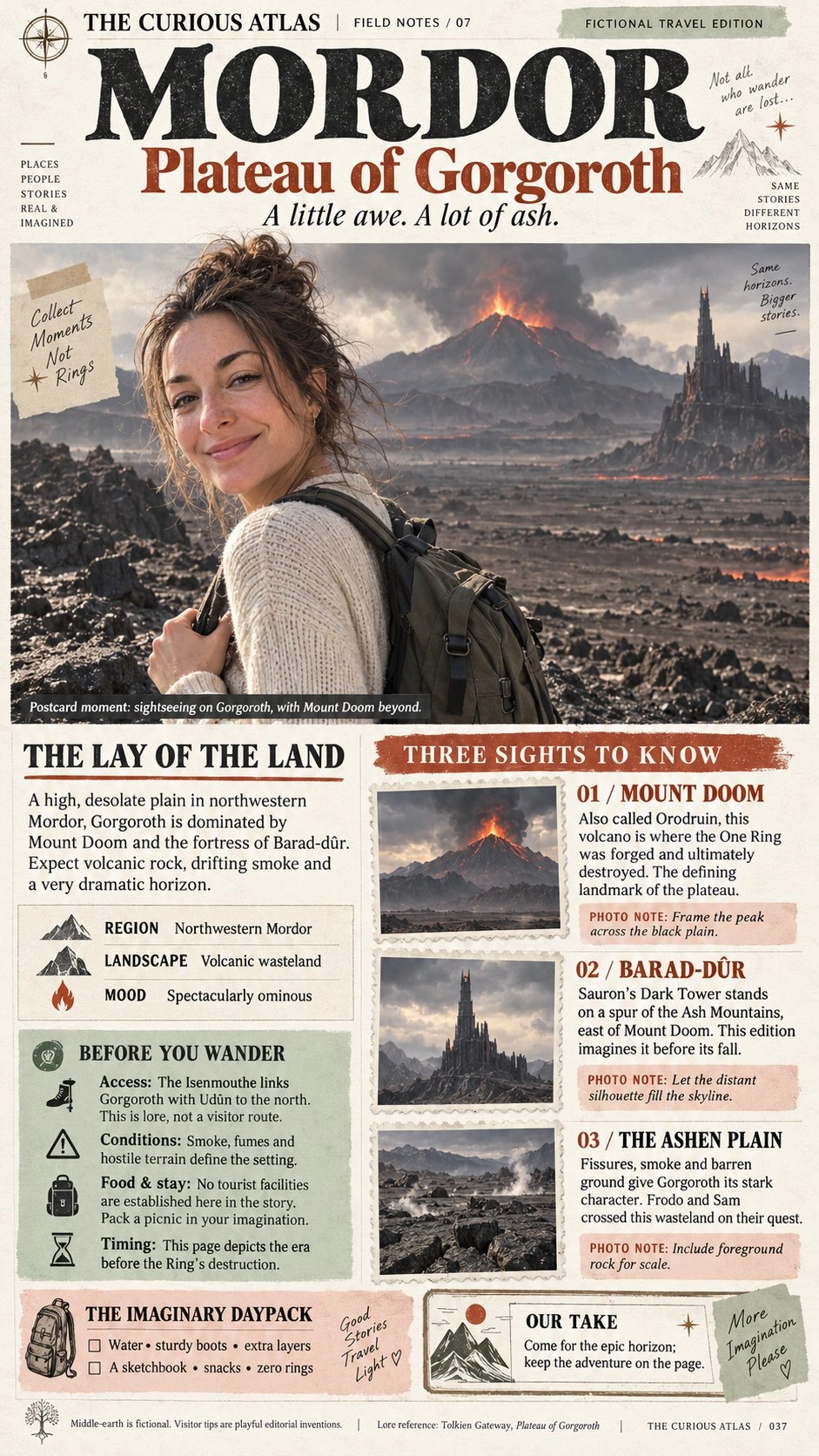
Create image of Magazine feature article [travel] guide page, cute, information dense photo book style magazine feature article page. Add all necessary sections, tips, recommendations, information. add photos for any sections and recommendations if you like. Place the attached person at the precise location of [Plateau of Gorgoroth in Mordor]. Seamlessly blend the attached person as if they are sightseeing. Approach this task with the understanding that this is a critical, information rich page that will significantly influence visitor numbers, text accuracy is important.
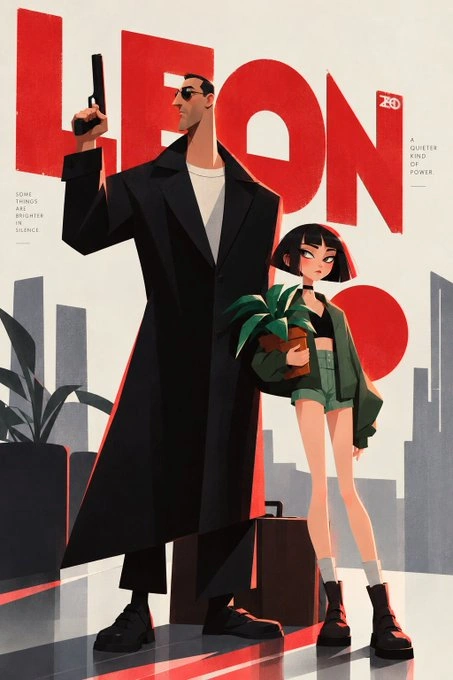
A minimalist illustrated poster inspired by Léon: The Professional. A tall man in sunglasses and a long black coat holds a suppressed pistol upright beside a young girl with a short black bob, an oversized green jacket, shorts, and black boots. She holds a potted plant; a suitcase rests between them. Huge red "LEON" lettering fills the upper background, with a simplified gray city skyline below. Angular geometric shapes, elongated proportions, dramatic shadows, subtle paper texture, and a restrained red, black, cream, and green palette.
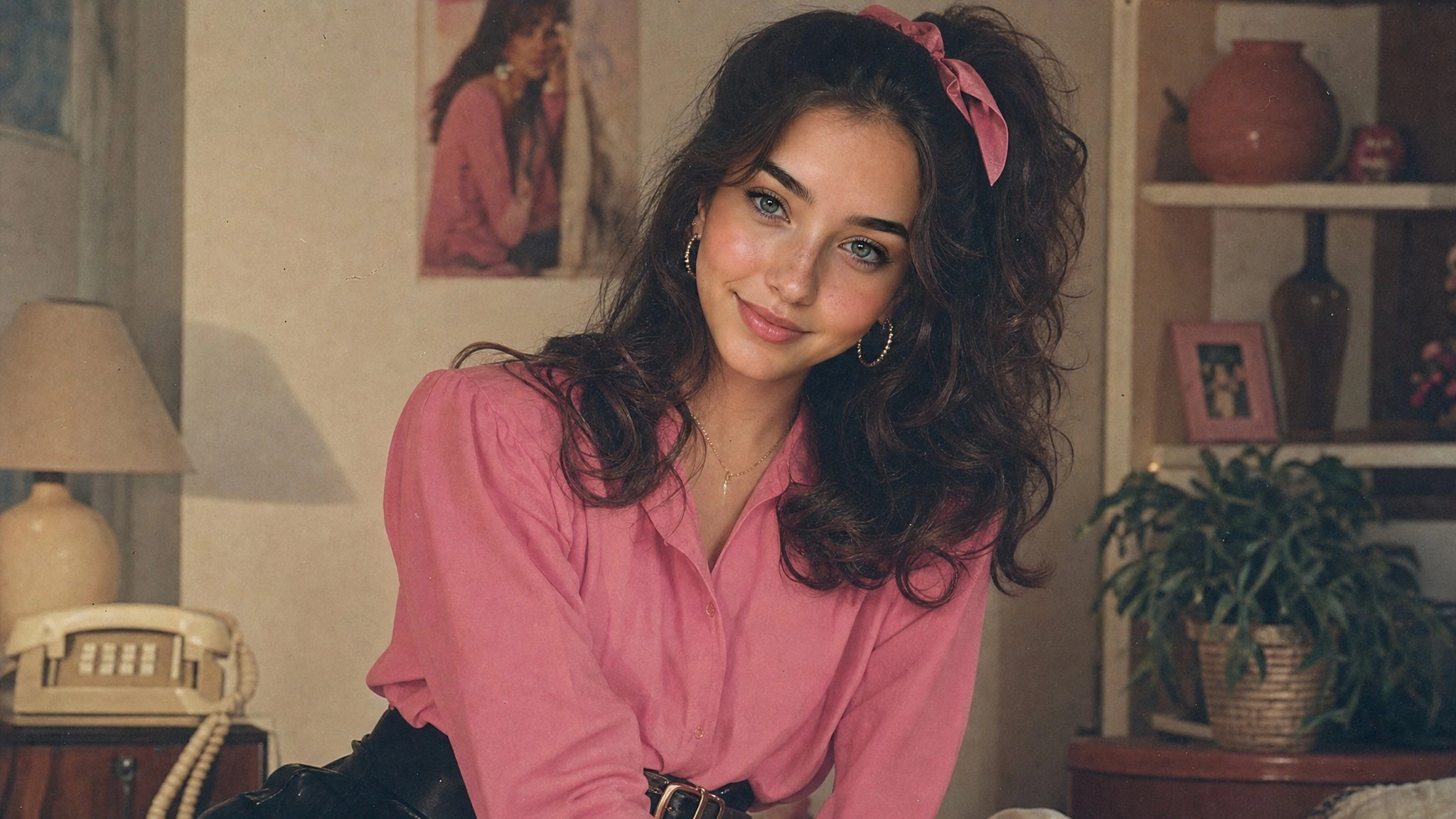
Transform my photo into an authentic 1980s retro Indian fashion portrait, inspired by the reference image. Keep the exact face, facial features, face structure, skin tone, identity, and natural proportions unchanged. Do not alter or beautify the face. Dress her in a full-sleeve pink shirt tucked neatly into a black high-waisted skirt with a stylish belt. Remove the scarf completely. Add simple 1980s-inspired accessories. Give her bouncy, voluminous retro hair styled with a cute ribbon. Create an authentic 1980s background and atmosphere. Use a Kodak film-camera look with warm faded colors, subtle film grain, soft analog texture, gentle vintage lighting, and natural skin texture. Make it look like a genuine photograph taken in the 1980s, not a modern photo with a vintage filter. No watermark, no text, no distortion.
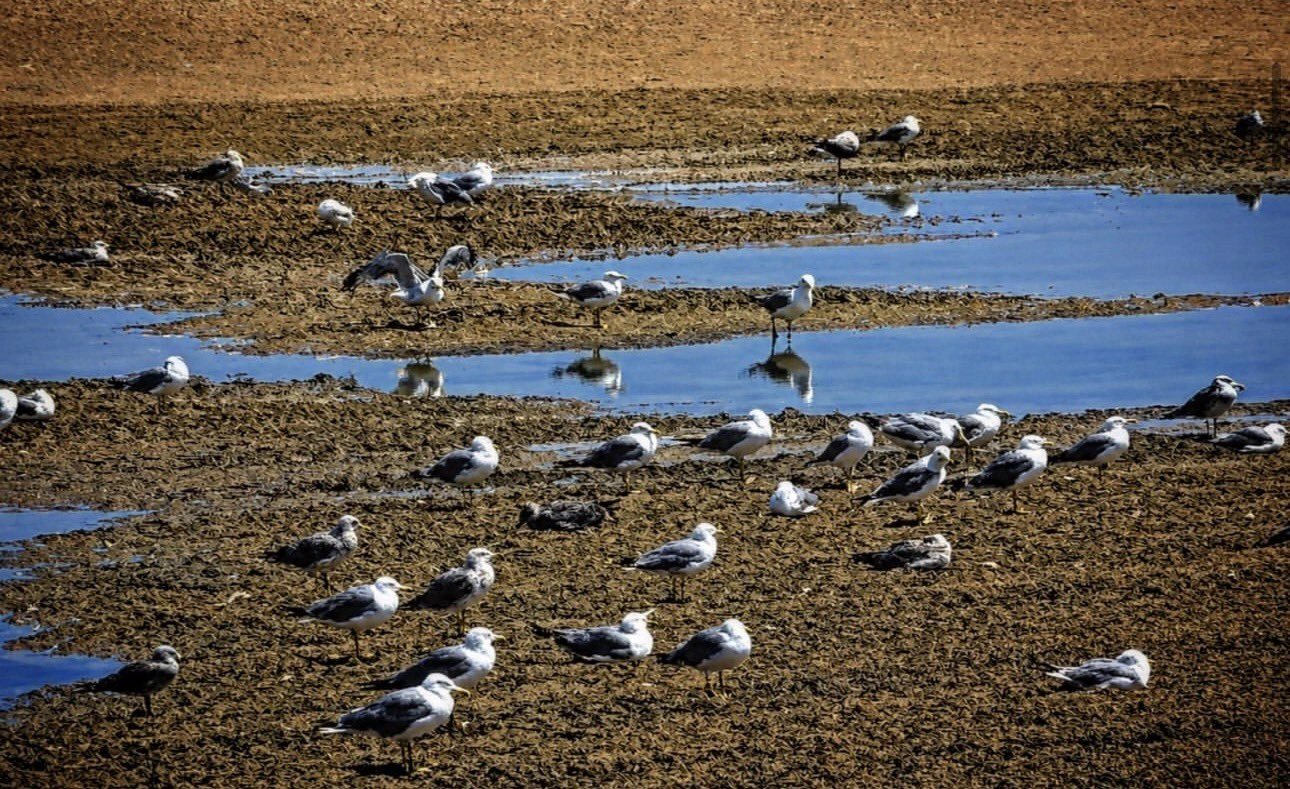
A documentary wildlife photograph of dozens of seagulls resting on brown seaweed-covered tidal flats, scattered between winding pools of vivid blue seawater. Some stand with clear reflections, others rest or stretch their wings. Elevated viewpoint, layered horizontal composition, strong natural sunlight, crisp shadows, detailed coastal textures, realistic colors. Landscape format, no text or interface elements.
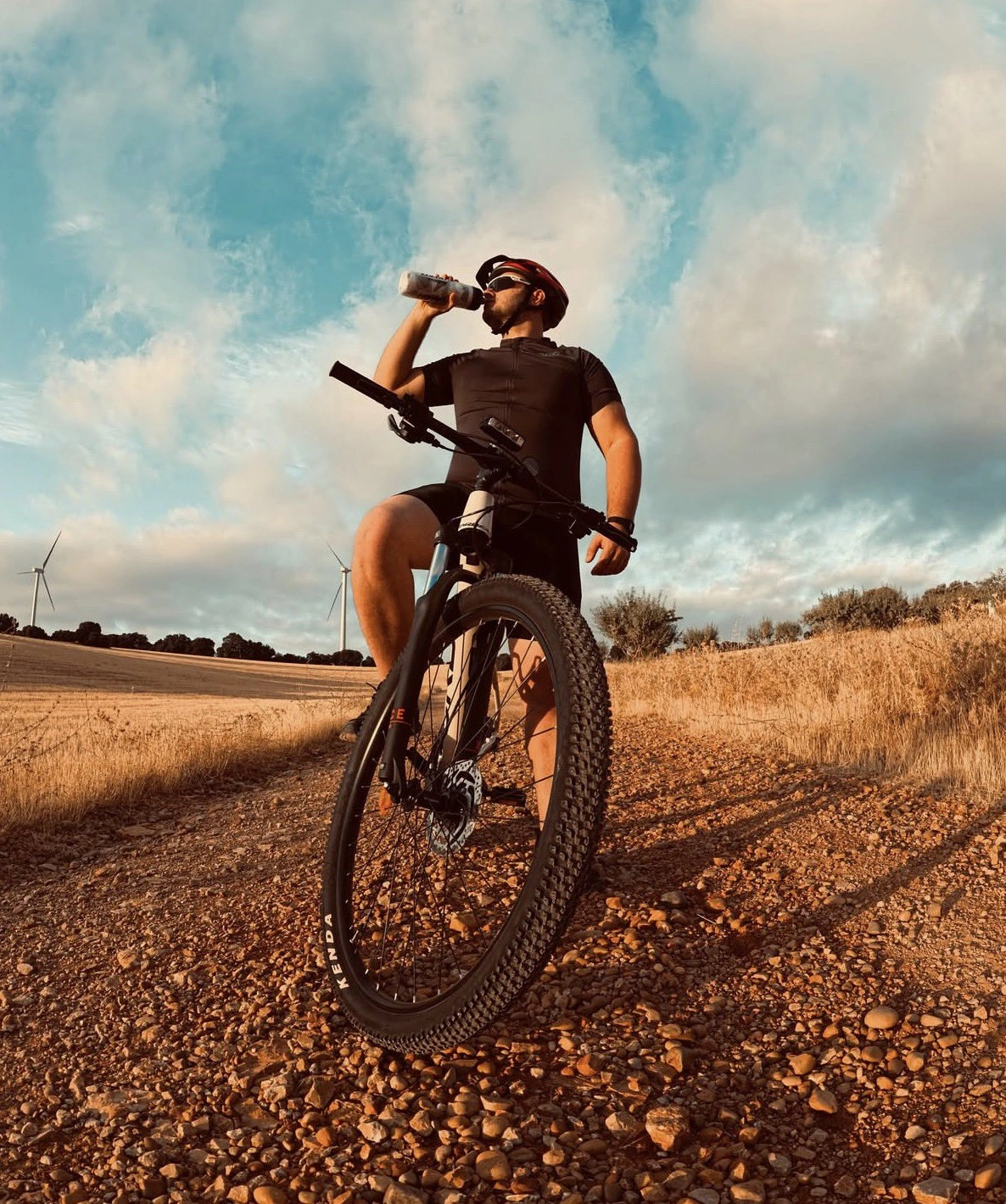
A dramatic low-angle photograph of a male cyclist resting astride a mountain bike on a rocky countryside trail, drinking from a water bottle. Black cycling kit, red-and-black helmet, sunglasses. The large front tire dominates the foreground, surrounded by dry golden grass and distant wind turbines beneath a turquoise sky with towering clouds. Warm late-afternoon sunlight, long shadows, rich earthy colors, detailed gravel, wide-angle perspective. Vertical composition, realistic outdoor sports photography.
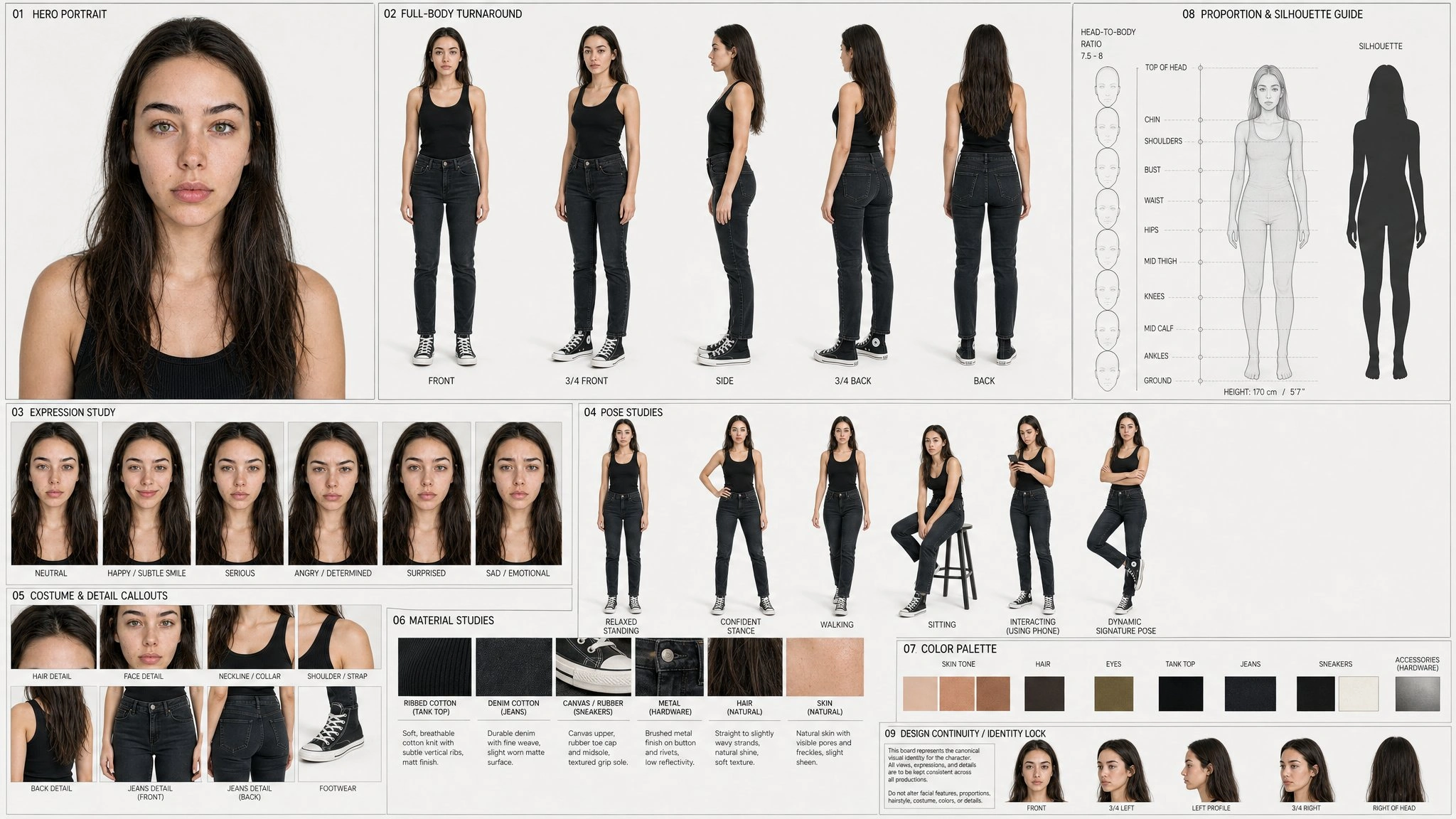
Create a professional 16:9 character reference sheet based strictly on the uploaded image. Preserve the character’s exact face, age, hairstyle, body proportions, costume, accessories, colors, and distinctive details without redesign.
Include:
One large hero portrait.
Five aligned full-body views: front, front three-quarter, side, back three-quarter, and back.
Six expressions: neutral, happy, serious, angry, surprised, and sad.
4–6 natural full-body poses.
Costume, accessory, and material close-ups.
A faithful color palette, proportion guides, and silhouette thumbnail.
Use a clean off-white background, organized grid, generous spacing, readable labels, consistent scale, neutral studio lighting, and detailed materials. Keep identity and left/right design details consistent throughout. No overlapping or cropped figures, anatomical errors, extra props, clutter, logos, or watermarks. Target resolution: 15360 × 8640.
Create ONE 16:9 landscape storyboard image with exactly 16 panels in a clean 4×4 grid, read left to right, top to bottom. Polished 3D animation style, expressive comedy, detailed food, cinematic lighting.
Keep two consistent characters: a tall, lean, long-limbed chef with a dark moustache, white jacket and apron; and a short, round, exhausted guest with messy hair, a wrinkled shirt and loose tie. Setting: a closed restaurant kitchen with steel counters, copper pans and large wall switches.
Panels:
1. The chef wipes the counter; the guest slumps beside cold takeaway noodles under one spotlight.
2. The guest pokes the noodles, then drops his forehead onto the counter.
3. The chef notices him and sets down his clothes.
4. The chef rolls up his sleeves and tightens his apron.
5. He switches on the kitchen lights; the burners ignite.
6. He rapidly slices beef into neat pieces.
7. Orange flames rise from a copper pan; the chef remains calm.
8. The guest ducks as a pan flies past, his tie blown backward.
9. The chef juggles cooking tasks and tosses a pan overhead.
10. A rapidly spinning pepper grinder releases a huge pepper cloud.
11. The guest sneezes, then watches wide-eyed.
12. The chef catches two falling pans without spilling anything.
13. Overhead view of beautifully plated beef medallions, dark sauce and three tiny herbs.
14. The guest tastes the dish, closes his eyes and sheds a joyful tear.
15. The guest grins; the chef smirks and discards the takeaway box.
16. The kitchen goes dark except for the guest’s spotlight as he keeps eating.
Maintain matching faces, costumes, props and kitchen layout. Lighting shifts from cool darkness to warm cooking light, then back to darkness. Clear panel borders, small numbers 1–16 only, no dialogue, captions, logos or watermark.
Héroes inesperados
Resultado de vídeo
Prompt
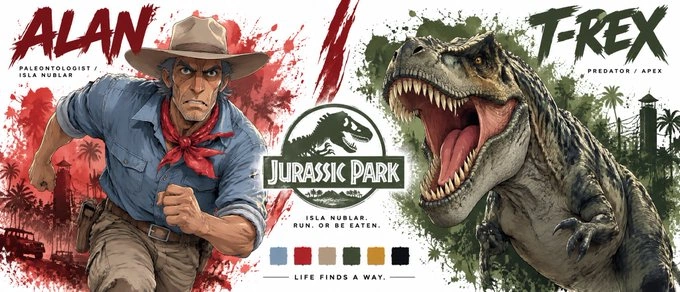
Create a premium cinematic character bible sheet for CALVIN & BOB from central intelligence.
LAYOUT: Split screen partner format. Two halves divided by a bold dramatic dividing element in the center.
LEFT SIDE — CALVIN: Deep blue watercolor splash behind him fading into center. Large bold brushstroke text CALVIN top left in deep blue. Below small text: THE SPY / CENTRAL INTELLIGENCE. One massive dramatic cropped hero image of Calvin from mid-thigh up — enormous muscular build, light blue unicorn t-shirt, no fanny pack, serious focused expression, fist raised, deep blue watercolor splash radiating behind him.
CENTER: Bold dramatic CENTRAL INTELLIGENCE in deep blue slightly worn. Below it small text: OFFICE PARK. UNLIKELY HEROES.
RIGHT SIDE — BOB: Warm yellow and white watercolor splash behind him fading into center. Large bold brushstroke text BOB top right in deep yellow. Below small text: THE ACCOUNTANT / CENTRAL INTELLIGENCE. One massive dramatic cropped hero image of Bob from mid-thigh up — wide nervous eyes, white striped shirt, normal grey blue tie loosened, mouth open mid scream, warm yellow and white watercolor splash radiating behind him.
BOTTOM CENTER: Color palette — deep blue, warm yellow, white, grey. Tagline centered: ONE WAS READY. ONE WAS NOT.
OVERALL: Clean white background, deep blue watercolor left side, warm yellow watercolor right side, dramatic blue center divider, bold flat color blocking, chunky simplified forms, hard edge shadows, thick black outlines, vibrant saturated colors, minimal clean typography, cinematic cel-shaded 3D anime, hand-painted textures, not cartoon not Disney not Pixar, print ready.
Solomillo Wellington
Resultado de vídeo
Prompt
Create a 15-second cinematic anime cooking sequence in a stainless-steel kitchen with warm dramatic lighting. Follow the uploaded character sheet exactly: a tall, athletic, middle-aged chef with spiky blonde hair, blue eyes, a white chef uniform and black apron. No other chefs.
0–2s: Sear beef fillet, turning each side until golden.
2–4s: Finely chop mushrooms and cook into dark duxelles.
4–6s: Layer Parma ham and duxelles, then tightly roll around the beef using cling film.
6–8s: Remove the film, wrap in pastry, seal and brush with egg wash.
8–10s: Place in the oven; jump cut to the golden baked Wellington.
10–13s: Sound briefly drops as he slices through, revealing pink beef beneath crisp pastry.
13–15s: Wide hero shot of the steaming Wellington; the chef steps back proudly.
Cel-shaded 3D anime, hand-painted textures, strong shadows and subtle film grain. Food-focused close-ups, occasional chef reactions, cuts every 2–3 seconds. Preserve cooking order, compressing preparation and baking through montage. Build orchestral music with sizzling and chopping sounds toward the finale.
Explora opiniones, ejemplos y demostraciones en Reddit, YouTube y X. Consulta los prompts que se prueban, los resultados compartidos y las limitaciones encontradas.
Preguntas frecuentes del generador ChatGPT Image 2.5
¿En qué se diferencian Flare y Sunburst?+
Flare está diseñado para generar imágenes más rápido. Sunburst es más adecuado para ediciones detalladas que requieren precisión. Ambos crean imágenes desde texto y trabajan con referencias.
¿Puedo usar un boceto, una foto y una referencia de estilo juntos?+
Sí. Súbelos juntos y explica el papel de cada imagen. Por ejemplo: «Sigue la composición del boceto, conserva a la persona de la foto y usa los colores de la referencia de estilo».
¿Cómo indico qué imagen debe seguir el modelo?+
Identifica las imágenes por su orden de subida y explica qué tomar de cada una. Por ejemplo: «Usa @Image1 para la cara y @Image2 para la ropa. Conserva el fondo de @Image1».
¿Cómo cambio solo una parte de la imagen?+
Indica qué debe cambiar y qué debe mantenerse. Por ejemplo: «Cambia la chaqueta a azul. No modifiques la cara, la pose, la iluminación ni el fondo». Revisa el resultado, ya que aún pueden producirse pequeños cambios involuntarios.
¿Por qué cambian los detalles tras varias ediciones?+
Cada edición puede introducir pequeñas diferencias que se acumulan. Reutiliza la referencia original y repite los detalles que quieras conservar, como la cara, la forma del producto o la posición del logotipo, para reducirlas.
¿Puede GPT Image 2.5 añadir texto en varios idiomas?+
Sí, pero la precisión varía según el idioma, la fuente y el tamaño del texto. Proporciona las palabras exactas entre comillas e indica su posición. Revisa la ortografía y el texto pequeño antes de publicar.
¿Puede GPT Image 2.5 crear GIF?+
Crea imágenes estáticas, no GIF animados terminados. Puedes generar una serie de fotogramas y combinarlos en un editor de GIF. Mantén el fondo y el encuadre coherentes, con cambios pequeños entre fotogramas.
¿Cómo convierto una imagen en un vídeo de Seedance 2.5?+
Descarga la imagen y súbela a Seedance 2.5, o selecciónala en la galería como referencia o fotograma inicial. Describe el movimiento, la acción de cámara y los tiempos. GPT Image 2.5 crea la imagen; Seedance 2.5 añade el movimiento.
Da vida a tus ideas con GPT Image 2.5
Empieza con un prompt, un boceto o una foto. Crea algo nuevo o perfecciona una imagen con GPT Image 2.5 en SeeGen AI.