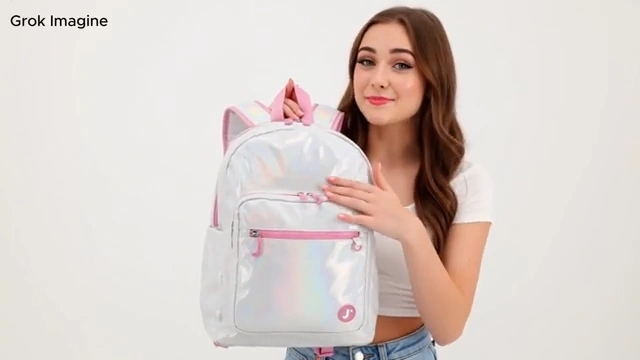
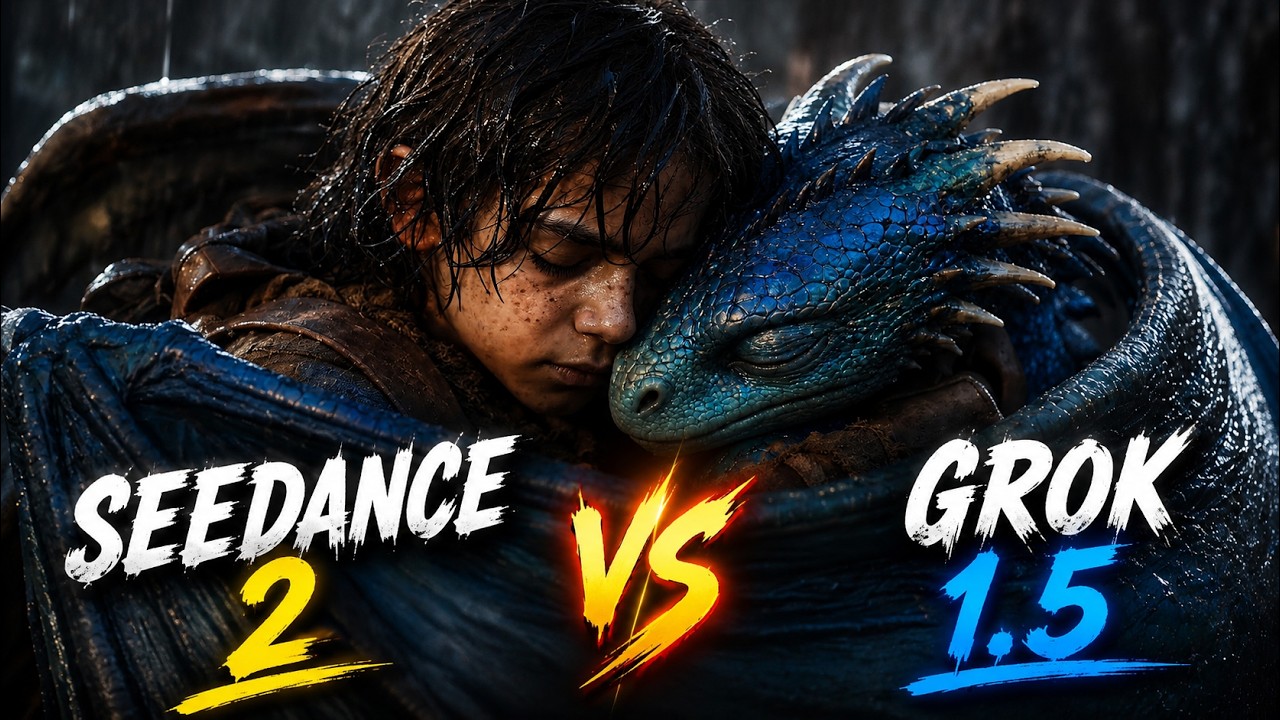
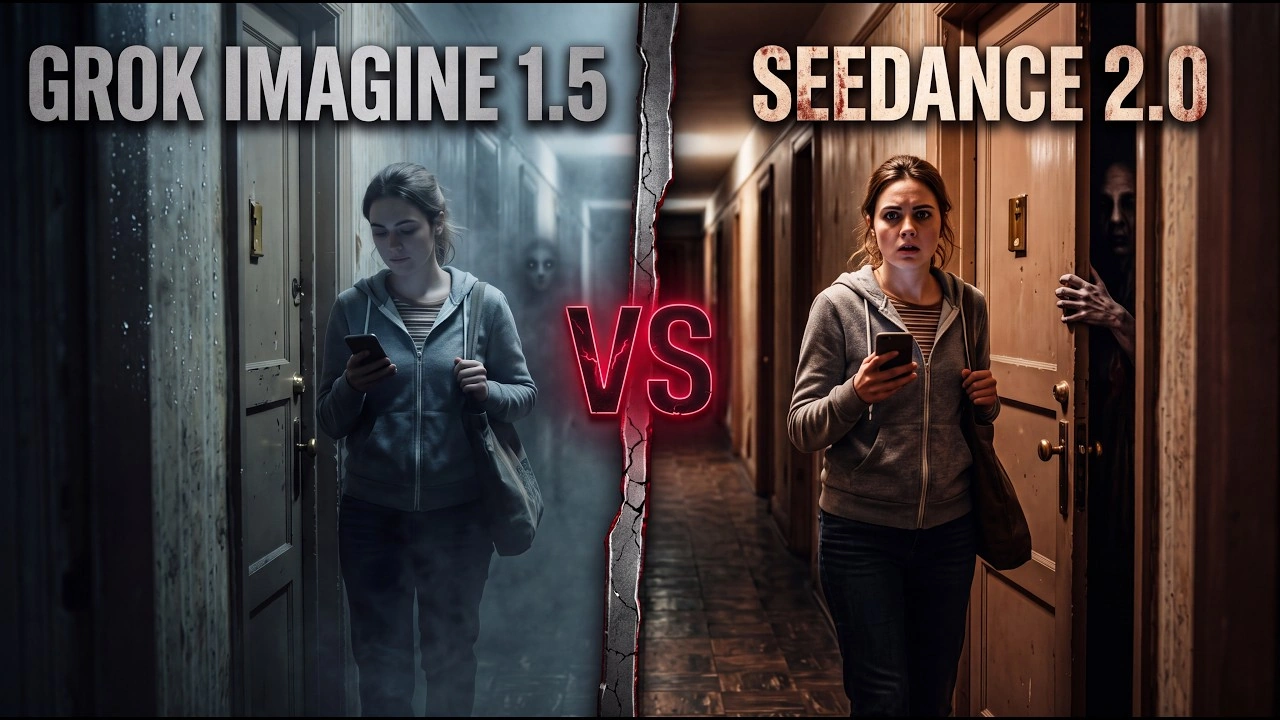
30s Videos, 50+ References. Try It Now
Now available on SeeGen AI

Free Grok Imagine Video 1.5 Generator

Create videos from text and images with Grok Imagine Video 1.5 on SeeGen AI. Explore motion, camera control, and synchronized audio in one workflow.

Input and output

Grok Imagine Video 1.5 and 1.5 Lite Specifications

Compare the official capabilities of Grok Imagine Video 1.5 and 1.5 Lite, including generation modes, resolution, reference support, and audio.

SpecificationGrok Imagine Video 1.5Grok Imagine Video 1.5 Lite
Release DateJune 16, 2026October 1, 2026
Text to VideoSupportedSupported
Image to VideoSupportedSupported
Multi-Reference to VideoUp to 14 reference imagesNot supported
First and Last FrameSupportedNot supported
Intermediate KeyframesUp to 4Not supported
Video Duration1–15 seconds1–15 seconds
Native Resolution480p, 720p, 1080p for text-to-video and image-to-video480p, 720p
Reference-to-Video ResolutionUp to 720pNot applicable
Aspect Ratios16:9, 9:16, 1:1, 4:3, 3:4, 3:2, 2:3, 21:9, 5:2Same
Image-to-Video Aspect RatioMatches the input imageMatches the input image
Generated AudioNative audio with lip-synced speechNative audio with lip-synced speech
Voice ReferencesUp to 3 preset voice referencesNot supported
Output FormatMP4MP4

These are model specifications. On SeeGen AI, Grok 1.5 supports text, single-image, first/last-frame, and multi-reference generation. Intermediate keyframes and voice-reference inputs are not currently available. See the API documentation for supported parameters.

Key features

Grok Imagine Video 1.5 Generator Features

Create videos with native audio, multiple image references, and keyframe control, or choose 1.5 Lite for simpler, lower-cost generation.

01

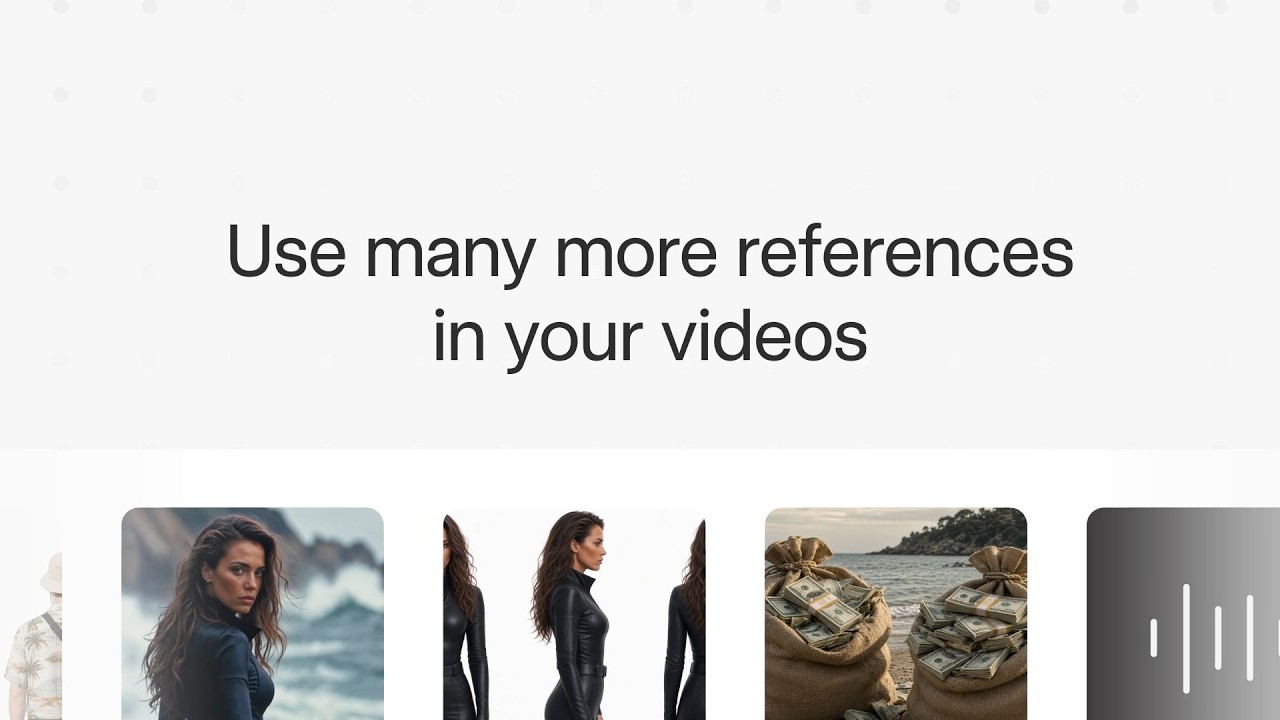
Guide Your Video with Up to 14 Reference Images

Combine character, product, clothing, and background references in one generation. Grok Imagine Video 1.5 supports up to 14 reference images, letting you define different parts of a scene without making any single image the opening frame. Reference-to-video supports output up to 720p.
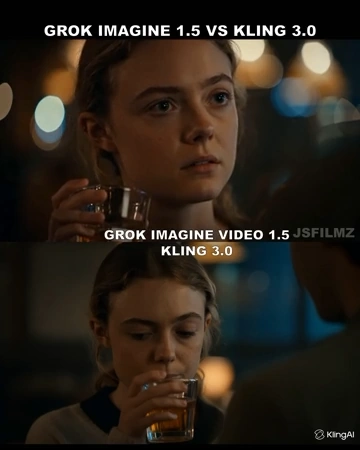
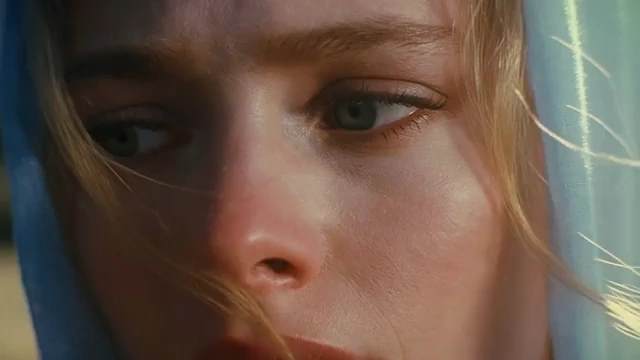
02

Control the Beginning, Middle, and End

Set the first and last frames, then add up to four intermediate keyframes at specific timestamps. Guide visual transitions, plan how a scene develops, or create a loop using the same opening and closing image. On SeeGen AI, first/last-frame control is available; intermediate keyframes are not currently exposed.

03

Generate Audio Alongside the Action

Create dialogue, sound effects, and ambient sound together with your video. Both 1.5 and 1.5 Lite support native audio with lip-synced speech. Include spoken lines and sound directions in your prompt to guide what viewers hear.

04

Capture More Natural Motion and Physics

Version 1.5 improves motion continuity and physical interactions compared with the previous model. It is designed to reduce visual warping and give movement a more believable sense of weight and momentum.

05

Choose Lite for Lower-Cost Video Generation

Grok Imagine Video 1.5 Lite offers lower-cost text-to-video and image-to-video generation with synchronized audio. Use Lite for simple clips and early experiments, or choose 1.5 when you need multiple references, keyframe control, or native 1080p.

How to use

How to Use Grok Imagine Video 1.5

01

Choose Your Model and Mode

Select Grok Imagine Video 1.5 or 1.5 Lite. Choose a generation mode, such as Text to Video or Image to Video. Use 1.5 for multi-reference generation and first-and-last-frame control.

02

Add Your Prompt and References

Describe the subject, action, camera movement, and sound. Upload a starting image, first and last frames, or multiple reference images depending on your selected mode.

03

Generate and Download

Set the video duration, resolution, and aspect ratio where available. Review the credit cost, generate your video, then preview and download the result.

Model comparison

Grok Imagine Video 1.5 vs Seedance 2.0 Fast vs Veo 3.1 Fast

Compare generation modes, reference support, and output resolution.

FeatureGrok Imagine Video 1.5Seedance 2.0 FastVeo 3.1 Fast
DeveloperxAIByteDance SeedGoogle DeepMind
Model AccessClosed weightsClosed weightsClosed weights
Video Duration per Generation1–15 seconds4–15 seconds4, 6, or 8 seconds
Output Resolution480p, 720p, native 1080pNative 480p and 720p720p, 1080p, 4K
Text to VideoYesYesYes
Image to VideoYesYesYes
Reference ImagesUp to 14Up to 9Up to 3
Video ReferencesNoUp to 3 clips, 15 seconds totalVeo-generated videos for extension only
Audio ReferencesUp to 3 preset voice referencesUp to 3 clips, 15 seconds totalNo separate audio-reference input
Native AudioYes, including lip-synced speechYes, with synchronized audioYes, including dialogue and sound effects
First and Last Frame ControlYesYesYes
Intermediate Keyframe ControlUp to 4 timestamped framesNo dedicated keyframe input documentedNo dedicated keyframe input documented
Video EditingNot supported by this versionYesNo general-purpose editing workflow documented
Video ExtensionNot supported by this versionYesYes, for Veo-generated videos
Key AdvantageMultiple image references, timestamped keyframes, and native 1080pCombined image, video, and audio references with editing supportUp to 4K output and continuation of Veo-generated clips
Best ForReference-guided scenes and planned visual transitionsMultimodal workflows and revising existing footageHigh-resolution short clips and extending Veo scenes
Why SeeGen AI

Why Choose Grok Imagine Video 1.5 on SeeGen

1Start free

Try Grok Imagine Video 1.5 Free

Create an account and join the SeeGen AI Discord community to receive 200 free credits. Use them to explore video generation with your own prompts and images.

2Model options

Choose Between 1.5 and Lite

Use 1.5 for multiple image references, frame control, and native 1080p. Choose 1.5 Lite for simpler, lower-cost text-to-video and image-to-video generation.

3Web + API

Web and API Access

Create videos in the visual workspace or integrate generation into your own app through the SeeGen API. Both options use the same credit balance.

4More models

More Models in One Place

Explore Grok Imagine, Seedance, Wan, and other video models without switching platforms. Compare results with your own prompts and choose the right model for each project.

Community discussions

What Creators Are Saying About Grok Imagine Video 1.5

Explore creator reviews, video tests, and discussions about Grok Imagine Video 1.5 on X, Reddit, and YouTube.

Reddit Discussions about Grok Imagine Video 1.5

Youtube Reviews for Grok Imagine Video 1.5

X Posts about Grok Imagine Video 1.5

Frequently asked questions

FAQs about Grok Imagine Video 1.5 Generator

Why doesn't my image-to-video output match the aspect ratio I selected?+
Image-to-video output follows the aspect ratio of your source image, and the separate aspect-ratio setting is ignored. Crop your image to the format you want before uploading it.
How can I reduce unexpected cuts or scene changes?+
Try specifying "one continuous shot, no cuts, no scene changes." Keep the prompt focused on one main action and a clear camera movement. This is a prompting approach, not a guarantee that every generation will remain uncut.
How should I organize multiple character and product references?+
Give each reference a clear role, such as character, clothing, product, or background. State who interacts with each object, keep the cast small, and avoid conflicting instructions. References guide the result but do not guarantee perfect consistency.
Can I upload my own voice recording to control a character's speech?+
The standard documented workflow supports preset voice references. Using your own audio files as voice references requires trusted-partner access from xAI; it is not a feature available to every account. SeeGen AI does not currently expose voice-reference inputs.
Is 1080p output the same on Grok Imagine Video 1.5 and Lite?+
No. The full 1.5 model generates native 1080p for text-to-video and image-to-video. Lite produces its 1080p output by upscaling 720p, so the two versions do not use the same resolution pipeline.
Can I extend a video beyond 15 seconds with Grok Imagine Video 1.5?+
A single 1.5 generation supports up to 15 seconds. xAI documents video extension under the separate grok-imagine-video model, not 1.5. For longer projects, you can also generate separate shots and assemble them in an editor or use Seedance 2.0, 2.5 and Wan 3.0.
Start creating

Create Your First Grok Imagine Video 1.5 Video

Start with a prompt or image and bring your idea to life with synchronized audio. Join SeeGen AI and our Discord community to claim 200 free credits.