30s Videos, 50+ References. Try It Now
NEW · Nano Banana 2.1

Your next image, with Nano Banana 2.1

Turn a description into an image, or bring your references and describe the edit. Create at up to 4K, right in your browser.

4K

Maximum resolution

14

Reference images

10

Aspect ratios

Start with an idea. Build on an image.

Two ways to create, with one model and the same straightforward controls.

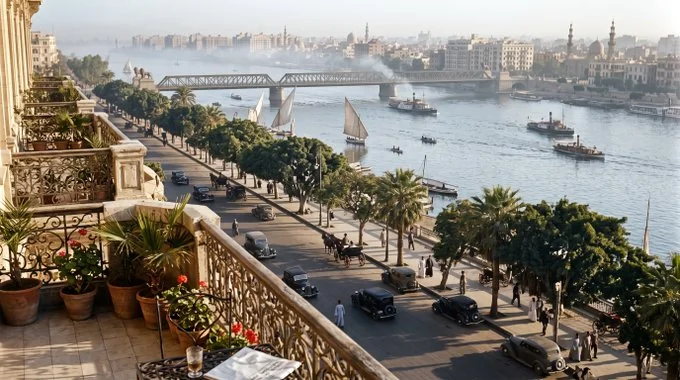
Nano Banana 2.1 text-to-image example: a vintage Cairo balcony overlooking the Nile

Text to image

Describe the subject, setting, lighting and composition. Choose a resolution and aspect ratio for product visuals, social posts, or a cinematic canvas.
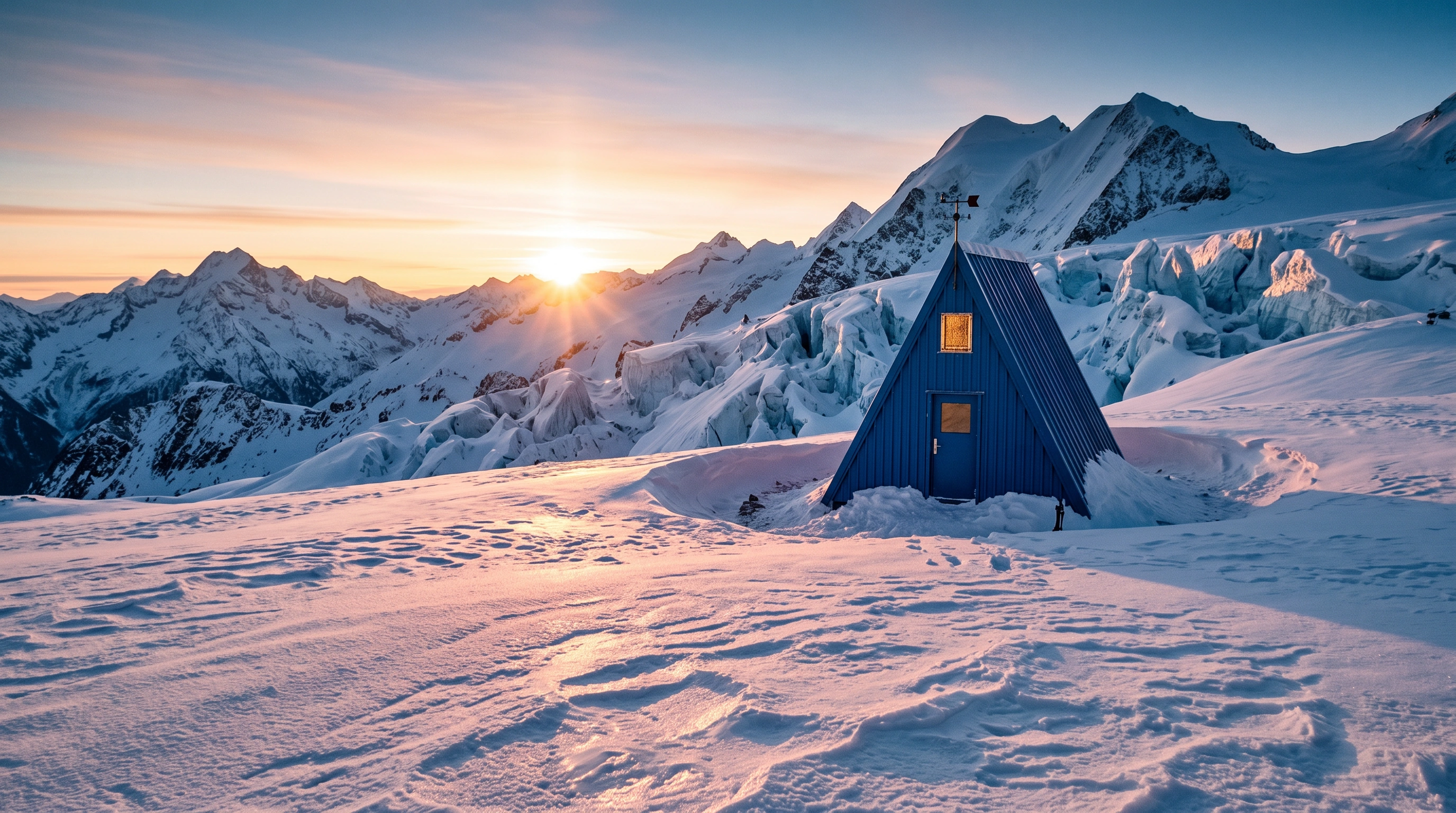
Nano Banana 2.1 image-editing example: a blue cabin in a snowy mountain landscape
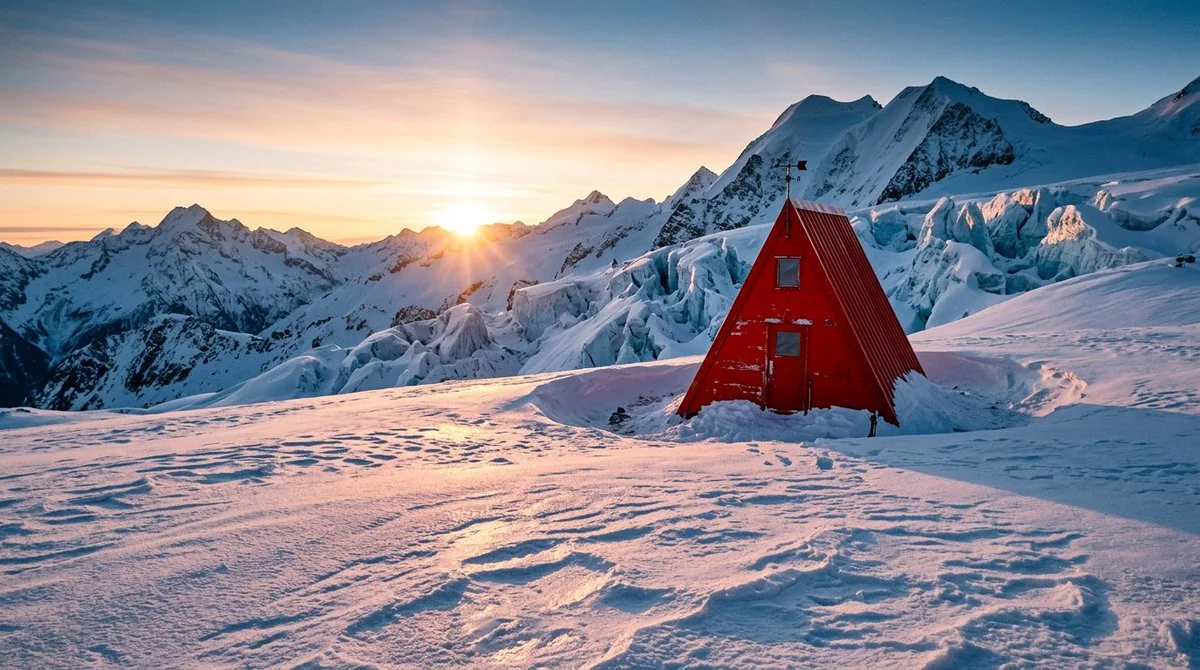
Original reference: a red cabin in the snowy mountains at sunrise
Original reference

Reference-guided editing

Add up to 14 reference images and tell the model what to change or preserve. Explore new colors, styles and compositions with visual context.

Choose your resolution

One image per task. A clear credit price before you generate.

1K

2030

credits per image

2K

3045

credits per image

4K

4770

credits per image

Default: 2K, square (1:1). Credits depend on resolution. Each image in a batch is billed separately; failed tasks are refunded automatically. Any active image promotion is included in the prices above.

Ready for your workflow

Use nano-banana-2.1 with the SeeGen API. Try text-to-image or editing, inspect the request, and copy an example from the Playground.

Frequently asked questions

What can I create with Nano Banana 2.1?+
Generate an image from a text description, or provide reference images and describe an edit. Both modes are available in the workspace and through the API.
Which resolutions and aspect ratios are available?+
Choose 1K, 2K or 4K, with 1:1, 16:9, 9:16, 4:3, 3:4, 3:2, 2:3, 4:5, 5:4 or 21:9. The default is 2K at 1:1.
How many reference images can I use?+
Up to 14 JPEG, PNG or WebP images per task. Each image must be at most 50 MB, at least 256 pixels on its shortest side, and within a 1:3 to 3:1 aspect ratio.
How does billing work?+
Each image is charged at the selected resolution. Generating multiple images submits separate tasks. Failed tasks refund credits automatically; you can see the price before submission.
Can I use Nano Banana 2.1 through the API?+
Yes. Send model nano-banana-2.1 to the SeeGen createTask endpoint. Provide a prompt, an optional resolution and aspectRatio, and optional public reference URLs for editing. Poll the task status or use a webhook for the result.