30s Videos, 50+ References. Try It Now
Model preview

Free Kling 4.0 AI Video Generator

Create cinematic videos up to 30 seconds long in a single generation with Kling 4.0. Build continuous shots or multi-shot stories, guide key moments with up to 10 keyframes, and combine up to 15 reference assets for greater control over characters, motion, and camera work.

Kling 4.0 is not yet available on SeeGen AI. For now, the button opens the workspace with currently supported models.

Input and output

Kling 4.0 vs Kling 4.0 Flash vs Kling 3.0 Specifications

Compare video duration, resolution, reference support, and keyframe control across three Kling models. Kling 4.0 extends generation to 30 seconds, while Flash supports up to 20 seconds and Kling 3.0 up to 15 seconds.

SpecificationKling 4.0Kling 4.0 FlashKling 3.0
Official Announcement / ReleaseSeptember 30, 2026 announcement; wider rollout planned for OctoberSeptember 28, 2026 — limited early accessFebruary 5, 2026
Text to VideoSupportedSupportedSupported
Image to VideoSupportedSupportedSupported
First and Last FramesSupportedNot supportedSupported
Multiple KeyframesUp to 10 keyframe imagesNot supportedNot supported
Video Duration3–30 seconds3–20 seconds3–15 seconds
Output Resolution720p; 1080p and 4K coming soon720p720p, 1080p, and 4K
Dynamic Range10-bit HDR at 1080p and 4K, coming soon8-bit SDR8-bit SDR
Reference WorkflowsOmni ReferenceOmni ReferenceElement references; additional multimodal workflows through 3.0 Omni
Combined Reference AssetsUp to 15 assets across images, videos, voice profiles, and elementsDetailed limits not separately specified3.0 Omni: up to 7 images/elements, or 1 video plus 4 images/elements
Reference Video InputUp to 5 clips, 3–30 seconds each; 30 seconds totalDetailed limits not separately specified3.0 Omni: up to 1 clip, maximum 15 seconds
Audio OutputNative audio with two-channel stereoChannel specifications not separately publishedNative audio with single-channel output

These specifications describe the Kling models, not features currently available on SeeGen AI. Availability and output options will be shown in the workspace when integration is ready.

Key features

Kling 4.0 Video Generator Features

Create longer scenes with realistic action, flexible keyframes, and multimodal references. Kling 4.0 combines 30-second generation, detailed scene direction, and native stereo audio for short films, product ads, and character-driven stories.

01

30-Second Native Video Generation

Build a complete scene in one generation, with durations from 3 to 30 seconds. Give action sequences, product reveals, and conversations time to develop through continuous takes or multiple shots, without assembling every moment from separate clips.

02

Realistic Action and Cinematic Camera Movement

Direct fight choreography, sports, dance, and other demanding movements. Kling 4.0 improves motion continuity and spatial consistency during fast action, while supporting camera directions such as tracking shots, orbits, push-ins, and pull-backs.

03

10-Keyframe Control and Detailed Prompts

Guide up to 10 visual moments along the timeline, including character entrances, pose changes, scene transitions, and the final frame. Prompts of up to 8,000 tokens provide room to describe shot order, dialogue, camera movement, and timing.

04

Omni Reference with Up to 15 Assets

Use character sheets, product images, motion footage, and voice profiles to guide different parts of a scene. Combine up to 15 reference assets in one task, subject to individual limits, including up to 5 video clips totaling 30 seconds.

05

Native Stereo Audio and Multilingual Content

Generate dialogue, sound effects, and ambience alongside the visuals, with two-channel stereo and lip synchronization. Multilingual speech and on-screen text support character conversations, product names, signs, and branded scenes for audiences in different markets

06

Creative Recreation and Targeted Video Editing

Use a reference video's pacing, shot composition, and camera movement to develop a new version with your own characters or products. Revise expressions, backgrounds, actions, or visual style, and specify which details should remain unchanged.

How to use

How to Use Kling on SeeGen AI

01

Choose Your Model and Mode

Select Kling 4.0 for longer videos and keyframe control, or Kling 4.0 Flash for faster iteration. Choose an available workflow, such as Text to Video, Image to Video, or Omni Reference.

02

Add Your Prompt and References

Describe the subject, action, camera movement, and sound. Upload references supported by your selected mode and explain what each should guide. For keyframe generation, arrange your images at the moments you want them to appear.

03

Generate and Download Your Video

Choose the duration, aspect ratio, and available resolution. Check the credit cost before generating, then preview and download your result. Adjust the prompt or references to refine the next version.

Model comparison

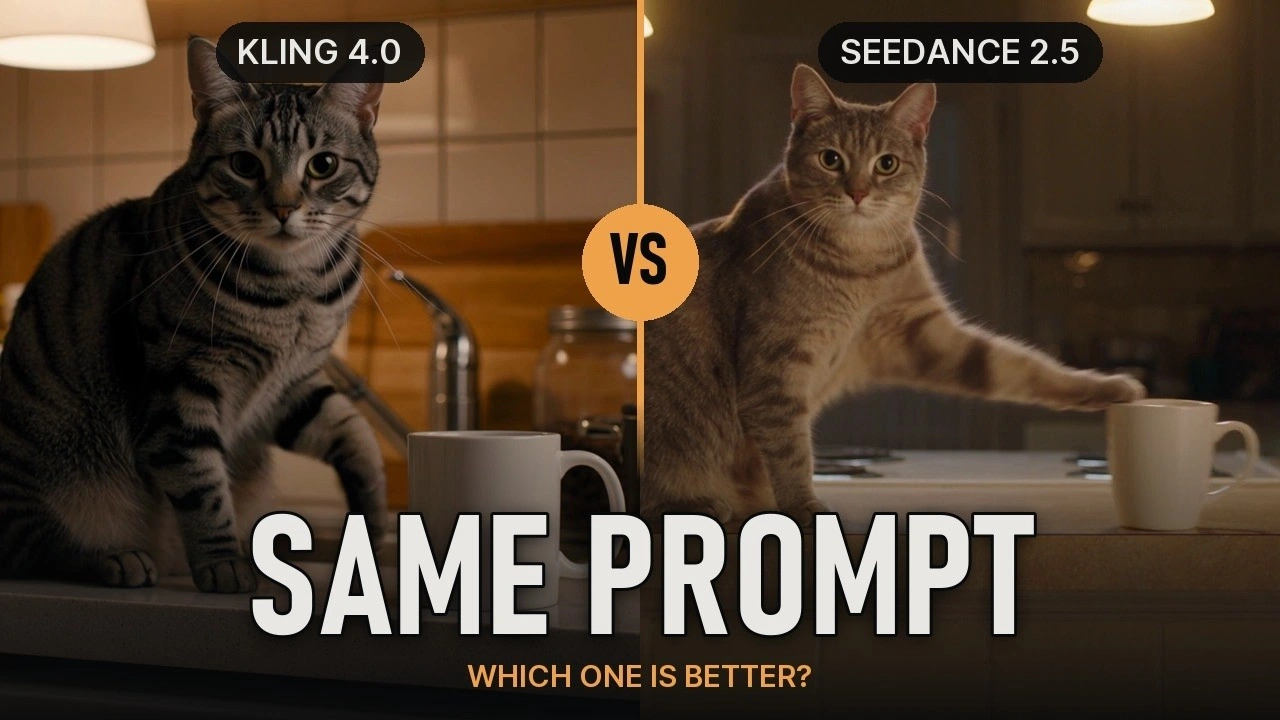
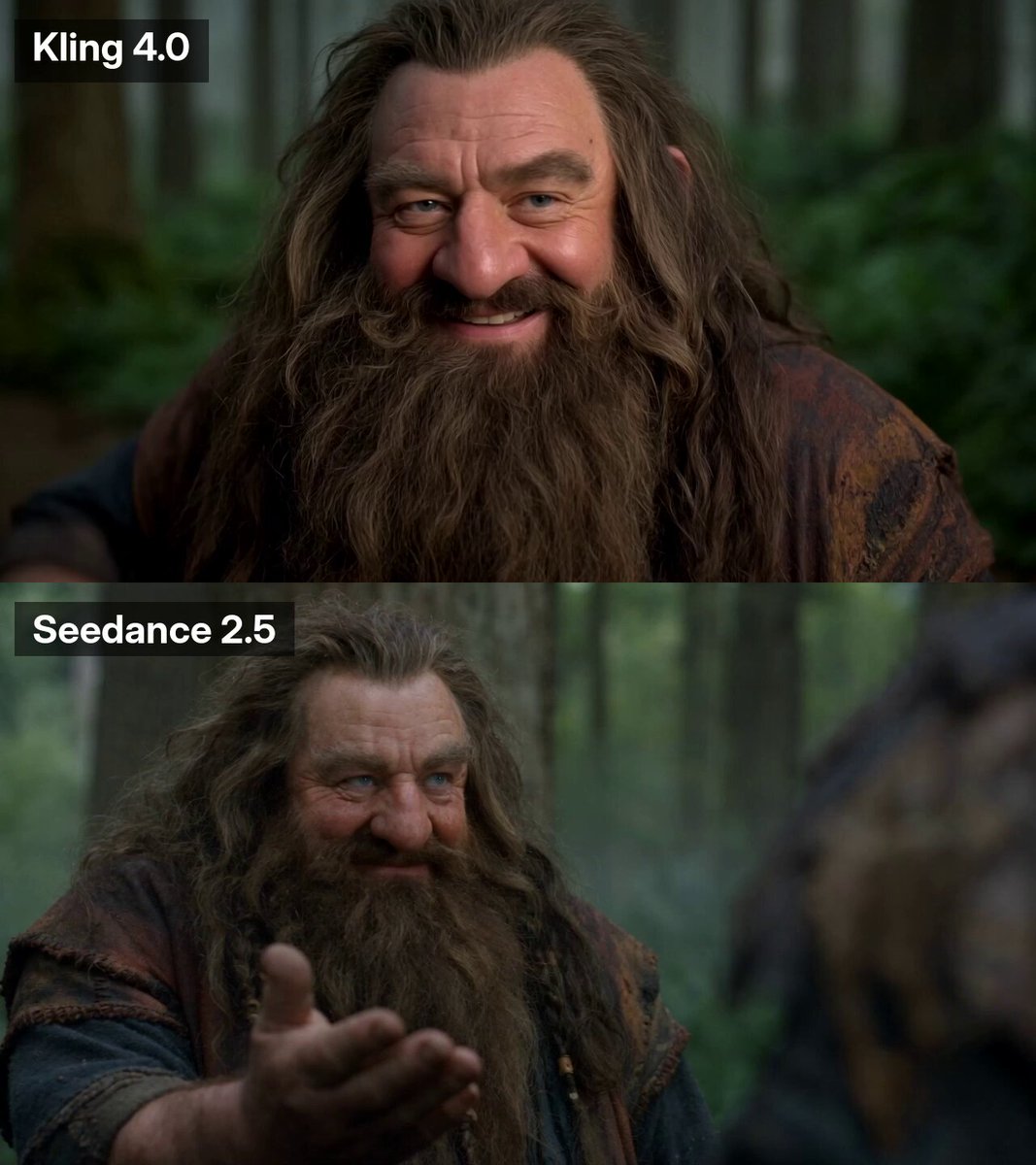
Kling 4.0 vs Seedance 2.5 vs Wan 3.0

Compare generation length, reference capacity, audio inputs, and editing controls. Kling 4.0 offers flexible keyframe direction, Seedance 2.5 supports larger reference combinations, and Wan 3.0 adds document and webpage inputs to its video workflow.

FeatureKling 4.0Seedance 2.5Wan 3.0
DeveloperKuaishouByteDance SeedAlibaba
Official Release DateOctober 15, 2026July 31, 2026August 6, 2026
Single-Generation Duration3–30 seconds4–30 seconds2–30 seconds
Output Resolution720p; 1080p and 4K announced as coming soon480p, 720p, 1080p480p, 720p, 1080p
Color Bit Depth10-bit HDR specified for upcoming 1080p and 4K output8-bit at 480p/720p; 10-bit at 1080pNot explicitly specified in public documentation
Reference ImagesUp to 10Up to 30Up to 10
Reference VideosUp to 5 clips; 30 seconds totalUp to 10 clips; 30 seconds totalUp to 5 clips; 15 seconds total
Audio ReferencesVoice profiles onlyUp to 10 clips; 30 seconds totalUp to 5 clips; 15 seconds total
Combined Reference CapacityUp to 15 assetsUp to 50 assetsUp to 20 assets
Keyframe ControlFirst/last frames and up to 10 timeline keyframesFirst/last-frame controlFirst/last-frame control
Native AudioYes, two-channel stereoYes, monoYes
Video EditingTargeted changes to subjects, backgrounds, actions, and styleTimestamp-based audio and video editing, plus advanced reference controlsSubject replacement, style changes, lighting, and dialogue editing
Video ExtensionUp to 2 minutes announced as coming soonSupported, including multiple extension roundsSupported, subject to duration limits
Document and Webpage InputsNot officially listedNot officially listedSupported through Alibaba Cloud
Key AdvantagesExplicit timeline control with 10 keyframes, plus stereo audioLarger reference capacity, timestamp-based editing, and 10-bit 1080p outputDocument/webpage inputs, smart duration, and unified generation/editing workflows
Best ForAction sequences, planned camera movements, and scenes with defined visual milestonesMulti-character stories, product campaigns, and reference-heavy productionsExplainers, document-to-video projects, and mixed-media content creation
Why SeeGen AI

Why Choose SeeGen AI for Kling 4.0

1Start free

Start with 200 Free Credits

Create an account and join the SeeGen AI Discord community to receive 200 free credits. Explore available models and workflows before purchasing a credit pack.

2Pay as you go

Pay as You Go, No Subscription

Buy credits when you need them, without a recurring subscription. Purchased credits never expire, so you can use your balance across projects at your own pace.

3Web + API

Web and API Access

Create in SeeGen AI's visual workspace or integrate supported models into your application through the API. Both options use the same credit balance, making it easier to move from testing to production.

4More models

More Models in One Place

Explore Seedance 2.5, Wan 3.0, and Grok Imagine Video 1.5 alongside image models such as Nano Banana and GPT Image. Create reference images and test different video models without managing separate platforms.

Community discussions

What Creators Are Saying About Kling 4.0

Explore creator reviews, video tests, and discussions about Kling 4.0 on X, Reddit, and YouTube.

Reddit Discussions about Kling 4.0

Youtube Reviews for Kling 4.0

X Posts about Kling 4.0

Frequently asked questions

FAQs about Kling 4.0 AI Video Generator

What is the difference between Kling 4.0 and Kling 4.0 Flash?+
Kling 4.0 supports videos up to 30 seconds and up to 10 timeline keyframes. Flash is designed for faster iteration, with videos up to 20 seconds at 720p, but without first-and-last-frame or multiple-keyframe control.
What does bit depth mean, and how is 10-bit different from 8-bit?+
Bit depth describes how many tonal levels a video can store per color component. An 8-bit video supports 256 levels, while 10-bit supports 1,024. More levels can produce smoother gradients and reduce visible color banding, particularly when adjusting colors in post-production.
Does 10-bit mean HDR or 4K?+
No. These describe different properties: bit depth measures tonal precision, HDR describes a wider brightness range, and 4K describes image resolution. A video can be 10-bit without being HDR or 4K. Check the resolution and color specifications of the actual output rather than treating these terms as interchangeable.
What is the difference between mono and stereo audio?+
Mono uses one audio channel. Stereo uses separate left and right channels, which can create a sense of width and direction when played through headphones or two speakers. Kling 4.0 specifies two-channel stereo output. Mono does not automatically mean lower sound quality; channel layout and recording quality are different considerations.
Can Kling 4.0 generate a continuous 30-second shot?+
It supports up to 30 seconds in a single generation, but that does not guarantee an unbroken camera take. To request one, describe a continuous shot and explicitly state "one continuous take, no cuts." Review the result for unexpected transitions before using it.
Can I combine 10 keyframes with 15 Omni Reference assets?+
No. Keyframes and Omni Reference are separate creation workflows. Use Keyframes to define images at specific moments, or Omni Reference to combine materials that guide appearance, movement, camera work, and voices. Their maximum input counts cannot be added together within one task.
Can I upload my own music or sound effects?+
Kling 4.0's documented audio-reference input supports voice profiles, not background-music or sound-effect uploads. Describe the desired music, ambience, and effects in your prompt so the model can generate them with the visuals.
Can Kling 4.0 extend a video beyond 30 seconds?+
Kling has announced multiple forward and backward extensions reaching up to two minutes in total. However, the latest official launch announcement still describes this extension capability as coming soon. It should not be treated as an available SeeGen feature until enabled.
Start creating

Your Next 30-Second Story Starts with Kling 4.0

Turn your next idea into a video up to 30 seconds long. Start with a prompt or image, direct the action, and create your next scene on SeeGen AI.