01
Multimodal Reference Control
Use text prompts, up to 9 images, 3 videos, and 3 audio references in one workflow. Mention assets with @Image1 or @Video1 to guide identity, style, motion, camera movement, and timing.
One prompt, full creative control. Use Seedance AI to turn prompts, images, video clips, and audio references into cinematic AI videos.
Seedance 2.0 is ByteDance's AI video model for cinematic creation. It supports text prompts plus up to 9 images, 3 video clips, and 3 audio references, helping creators control characters, camera movement, motion, style, and timing with multiple inputs.
Use text prompts, up to 9 images, 3 videos, and 3 audio references in one workflow. Mention assets with @Image1 or @Video1 to guide identity, style, motion, camera movement, and timing.
Keep faces, outfits, lighting, atmosphere, and visual style more stable across shots while maintaining character identity and scene continuity.
Guide cinematic camera language with prompts or video references, including push-ins, pull-backs, tracking shots, handheld movement, and orbit shots.
Create connected scenes with stronger narrative flow, smoother transitions, and better continuity from shot to shot.
Generate video and audio in one workflow with native support for 8+ languages including English, Chinese, Japanese, Korean, Spanish, Portuguese, and Indonesian.
Refine clips, extend scenes, or continue a story while preserving characters, style, motion, and atmosphere as your video evolves.
Upload images, video clips, and audio files. Use up to 9 images, 3 videos, and 3 audio clips to guide style, motion, and timing.
Describe the scene, character, camera movement, and visual style. Use @ mentions such as @Image1 or @Video1 for precise control.
Choose duration, aspect ratio, and quantity mode, then click "Generate" to create your cinematic AI video.
| Capability | Seedance 2.0 | Kling 3.0 | Gemini Omni |
|---|---|---|---|
| Best For | Cinematic videos, multi-reference workflows, character-driven stories | Realistic motion, cinematic shots, high-quality visual generation | Multimodal creation, editing, and conversational media workflows |
| Input Modalities | Text, image, video, and audio | Text, image, and video, depending on platform | Text, image, video, and audio in a multimodal workflow |
| Max Reference Assets | Up to 9 images, 3 videos, and 3 audio references | Reference support varies by platform and feature | Limited public details |
| Character & Scene Consistency | Strong consistency for characters, outfits, lighting, and visual style across shots | Strong realism, with consistency depending on prompt and reference quality | Designed for multimodal context and editing, with consistency depending on workflow |
| Camera Control | Supports cinematic direction such as push-ins, pull-backs, tracking shots, handheld motion, and complex camera movement | Strong cinematic motion and camera movement control | Strong for guided editing and multimodal scene changes |
| Multi-Shot Storytelling | Supports connected scenes with stronger continuity and narrative flow | Good for cinematic clips; multi-shot control depends on workflow | Strong potential for story editing and iterative scene control |
| Audio-Video Sync | Native audio-video workflow with support for 8+ languages, including English, Chinese, Japanese, Korean, Spanish, Portuguese, and Indonesian | Audio support varies by platform and product version | Multimodal audio-video capabilities, with details depending on availability |
| Video Editing & Extension | Supports refining, extending, and continuing videos while preserving visual direction | Editing and extension features vary by product version | Strong focus on multimodal editing and media transformation |
| Output Resolution | 720p and 1080p options, depending on mode | Resolution options vary by platform | Limited public details |
Upload approved real human images or videos to guide appearance, motion, and character identity.
Combine images, clips, audio, and text prompts in one focused Seedance 2.0 workspace.
Experiment with cinematic prompts and reference combinations before scaling up production.
Build Seedance 2.0 generation into products, pipelines, and team workflows.
Explore real creator discussions, prompt tests, and model comparisons from X, Reddit, and YouTube.
r/aivideos
reddit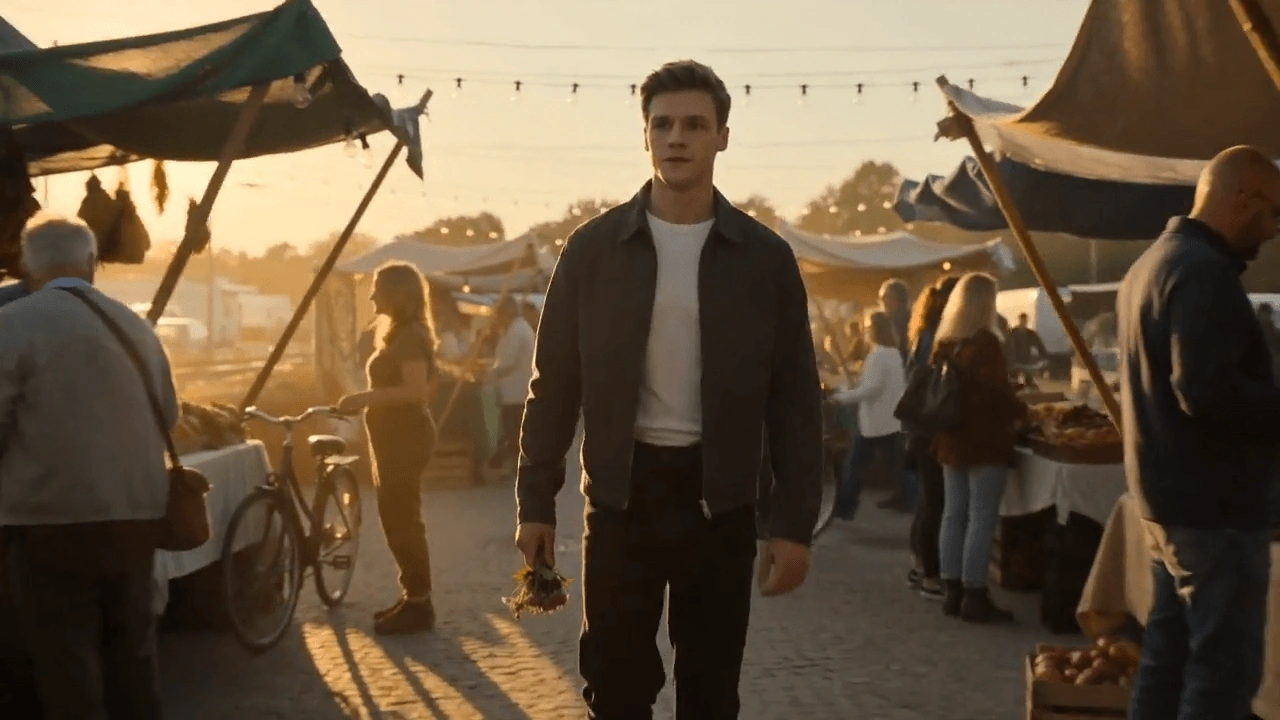
A community AI video post showcasing a Seedance-style cinematic clip and creator reactions.
r/generativeAI
reddit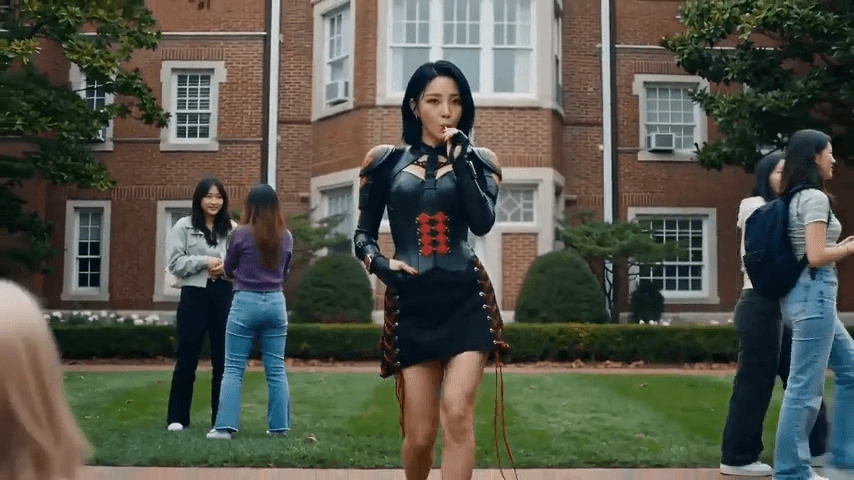
A creator shares a full AI music video workflow using Seedance 2.0 as part of the production stack.
r/generativeAI
reddit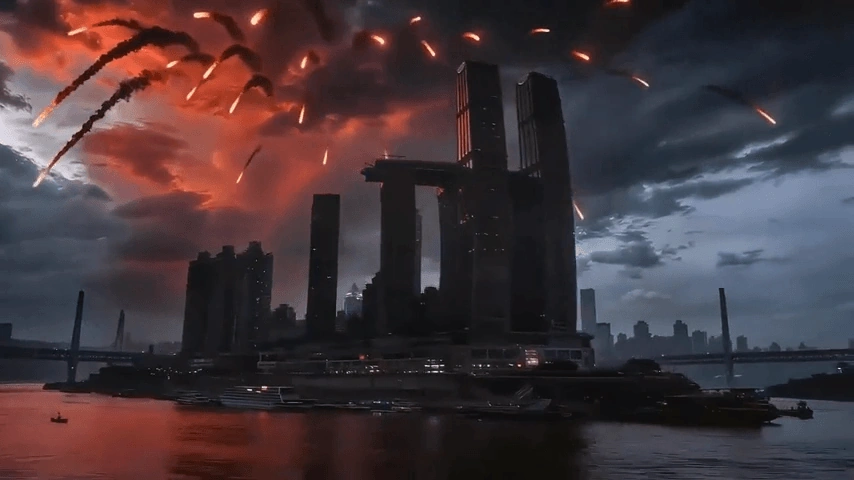
Community discussion focuses on realism, creative potential, and safety questions around Seedance 2.0 output.
 ▶
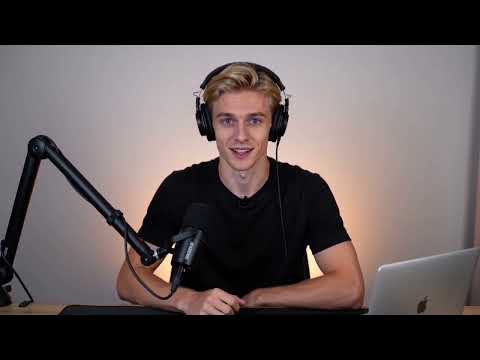
▶Pro Secret
Video reviewers demonstrate Seedance 2.0 prompts, model behavior, and example outputs.
 ▶
▶AI Tool Reviewer
A hands-on walkthrough compares Seedance 2.0 generation results and prompt techniques.
 ▶
▶AI Builders Academy
A review covering free Seedance 2.0 video generation workflows and practical setup tips.
@SeeGen_Official
XSeeGen AI shares an official Seedance 2.0 update with creator-ready multimodal video generation.
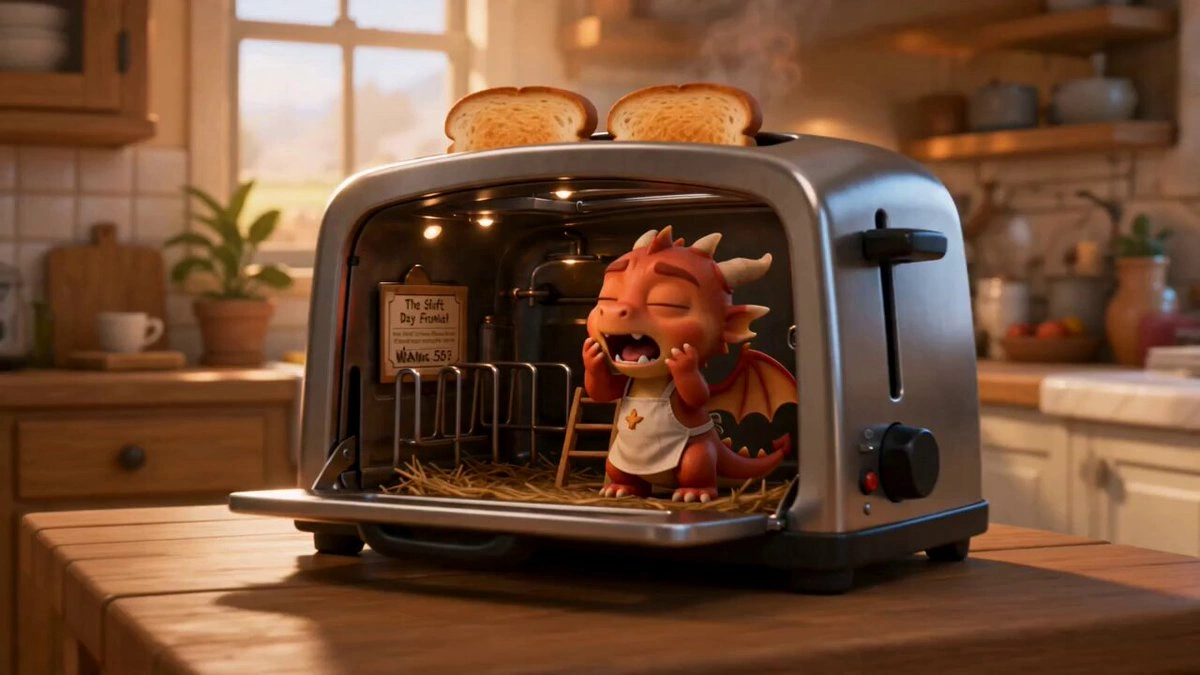
@heygentlewhale
XA workflow breakdown explores how creators can combine prompts with visual references for stronger direction.
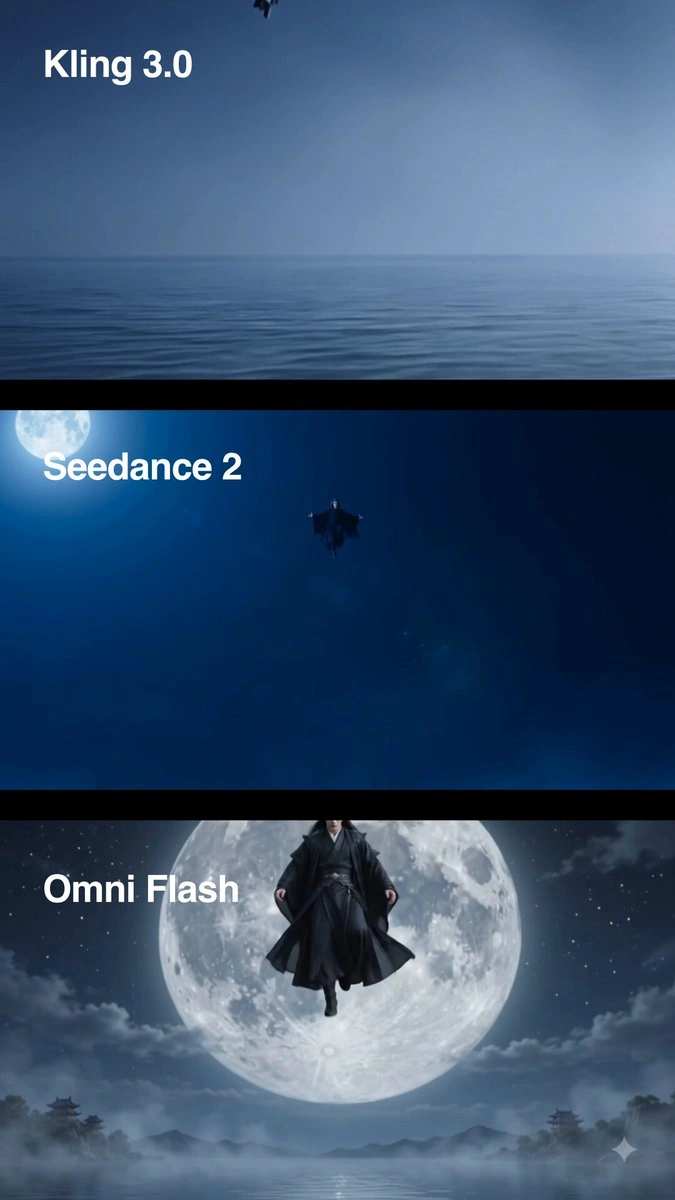
@Framer_X
XDesign and AI communities are comparing Seedance output quality across fast-moving model releases.
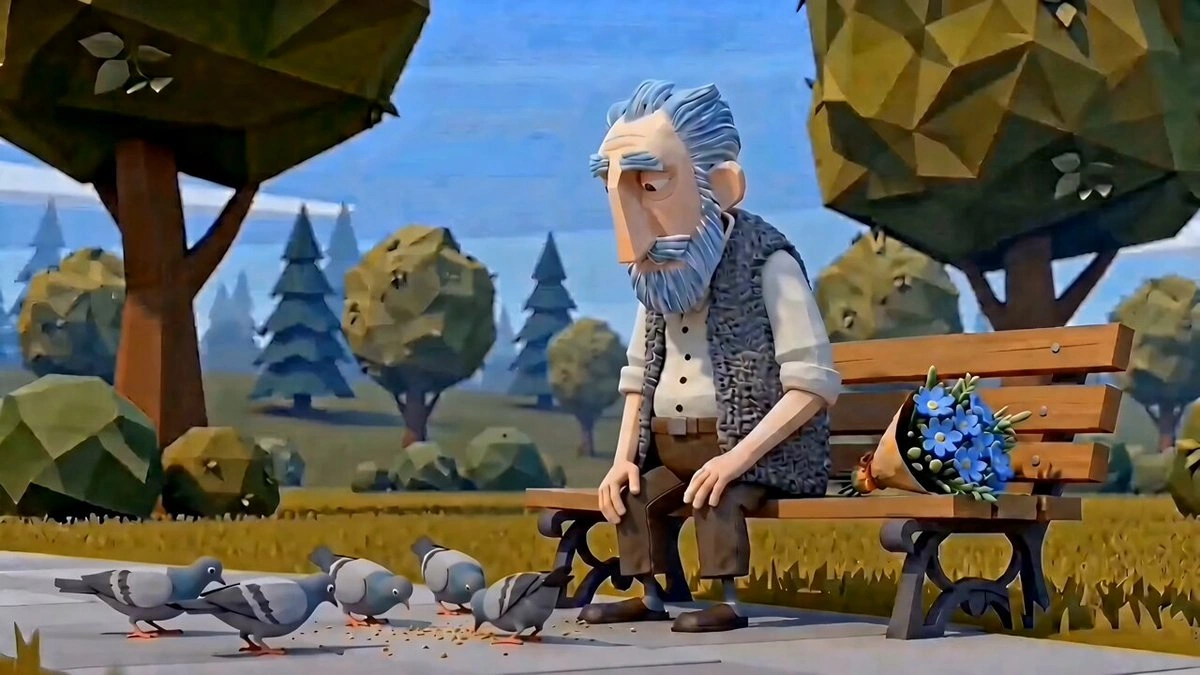
@martinleblanc
XEarly discussion highlights Seedance 2.0 as a compelling tool for production-style video experiments.
Start with 200 free credits and use Seedance 2.0 to control characters, camera movement, audio timing, and story continuity from a single SeeGen AI workspace.