01
Character Motion
Watch how the character moves through the scene. Compare the order of actions, body position, hand movements, and facial expression. In 1080p, look more closely at hair, clothing, and skin texture.
Test your shot at 480p before you render the final video in 1080p. Seedance 2.5 Draft Mode helps you review the scene, motion, camera work, and timing at a lower cost. When the draft looks right, turn it into a 1080p video on SeeGen AI.
Released on September 22, 2026, Draft Mode lets you test a shot at 480p, then generate a native 1080p final from the draft you choose. It is useful when you need several tries to get a shot right.
Generate and review one or more 480p drafts.
Pick the draft with the best motion, framing, and timing.
Generate a native 1080p final from that draft.
Both routes charge for the 480p and 1080p generations. Draft Mode saves money mainly when you test several drafts but render only one final.
The more takes you need, the more Draft Mode can save. In this 5-second video example, four attempts cost $11.37 when each video is generated at 1080p. Generating four 480p drafts and one 1080p final costs $4.90, a 57% saving.
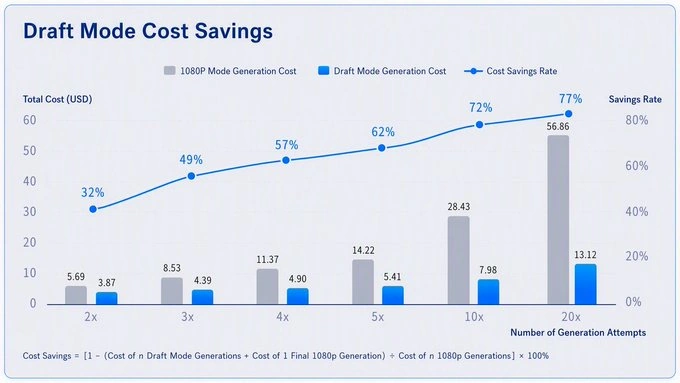
57% less in this example
1 − (cost of all 480p drafts + one 1080p final) ÷ cost of all attempts at 1080p
Drafts are paid generations. This example assumes no input video. Actual costs and savings depend on your settings, pricing, and the number of attempts.
Example source: BytePlusReview a 480p draft before committing to a 1080p final. The final should stay close to the selected draft, though it may not match every frame.
Watch how the character moves through the scene. Compare the order of actions, body position, hand movements, and facial expression. In 1080p, look more closely at hair, clothing, and skin texture.
Focus on the framing and the path of the camera. Does the subject stay in view at the right moments? Compare the pace of the shot, then check background detail and lighting in the final.
A draft can show whether a product appears at the right time and from the right angle. Inspect the 1080p final for smaller details such as packaging, labels, reflections, and texture.
Listen to when the character speaks and how the sound fits the action. Compare the timing of speech, gestures, and camera changes, and check for changes in voice or background sound.
Open SeeGen AI and select Seedance 2.5 Draft Mode. Enter your prompt and add any supported reference materials.
Generate a 480p preview. Check the action, framing, camera movement, and timing. If the shot is not right, adjust your input and try another draft.
Choose the draft you like and click Generate Final. SeeGen AI uses that draft to create a native 1080p video.
Using the API? Visit the SeeGen AI API docs.
Explore reviews, video examples, and hands-on demos across YouTube and X. See the prompts people try, the results they share, and the limits they run into.
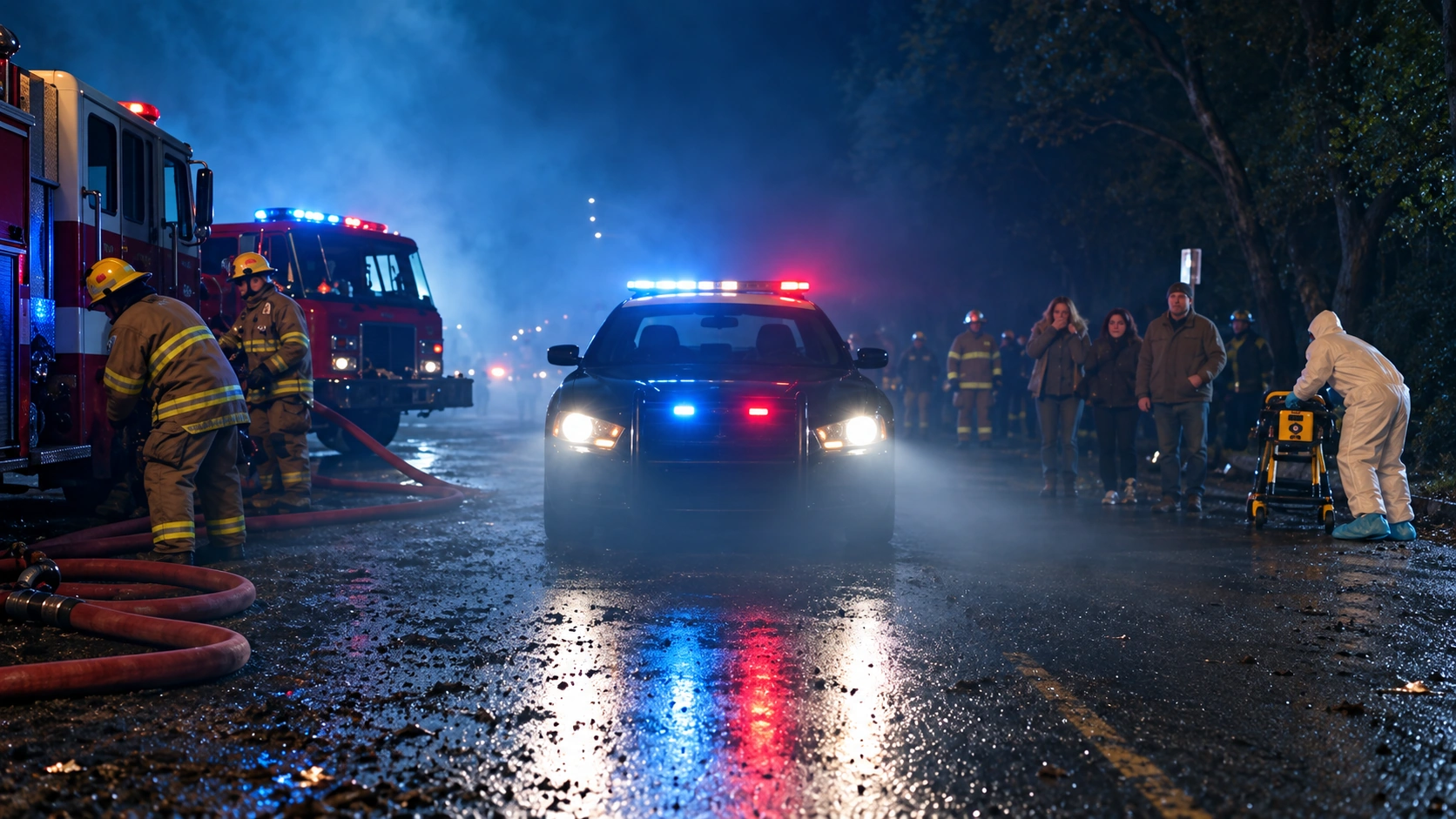
BytePlus
Explore ideas with 480p drafts, then generate the chosen shot in native 1080p.
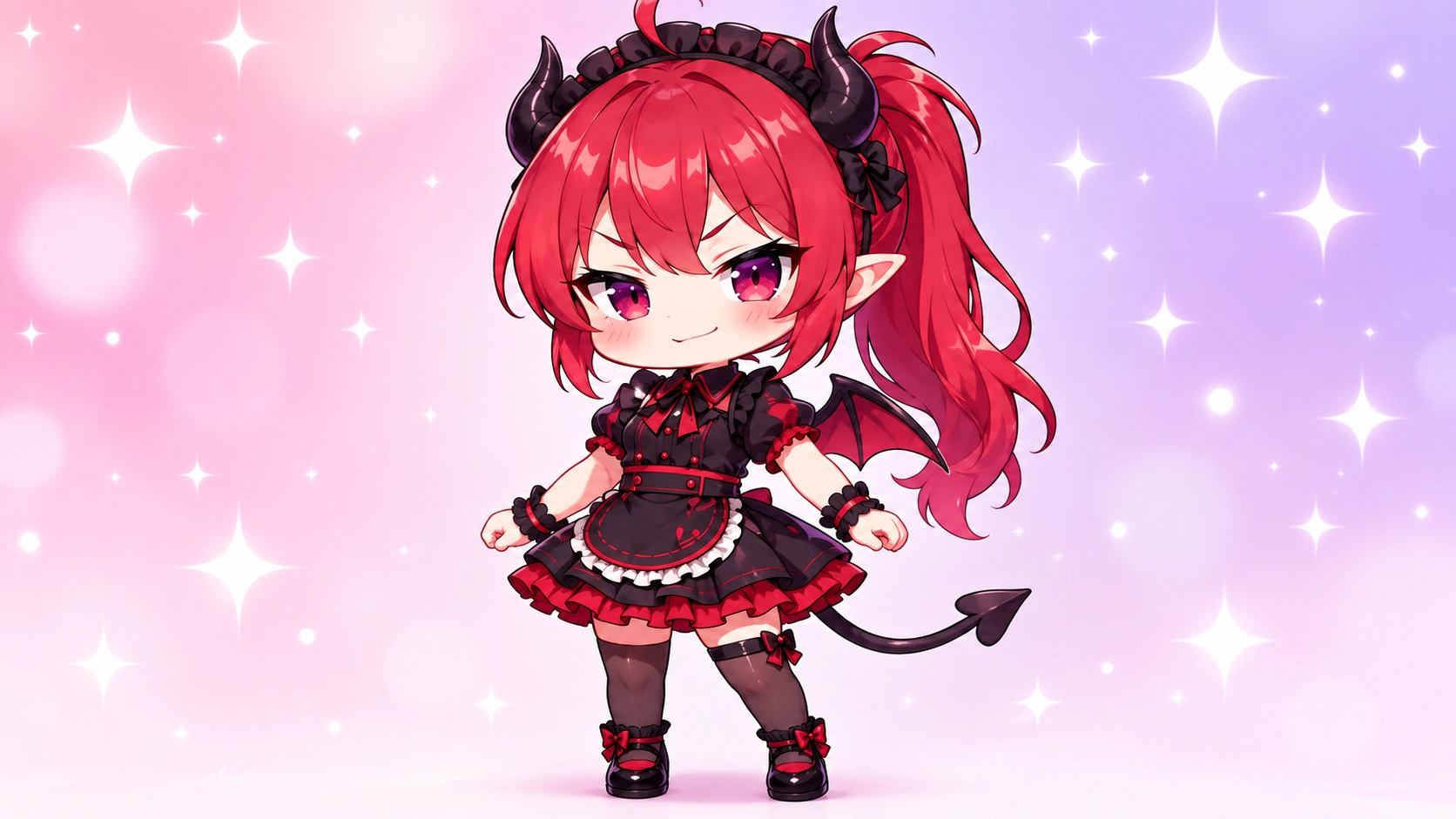
SeeGen AI
See how to preview a video before turning the selected draft into a final.
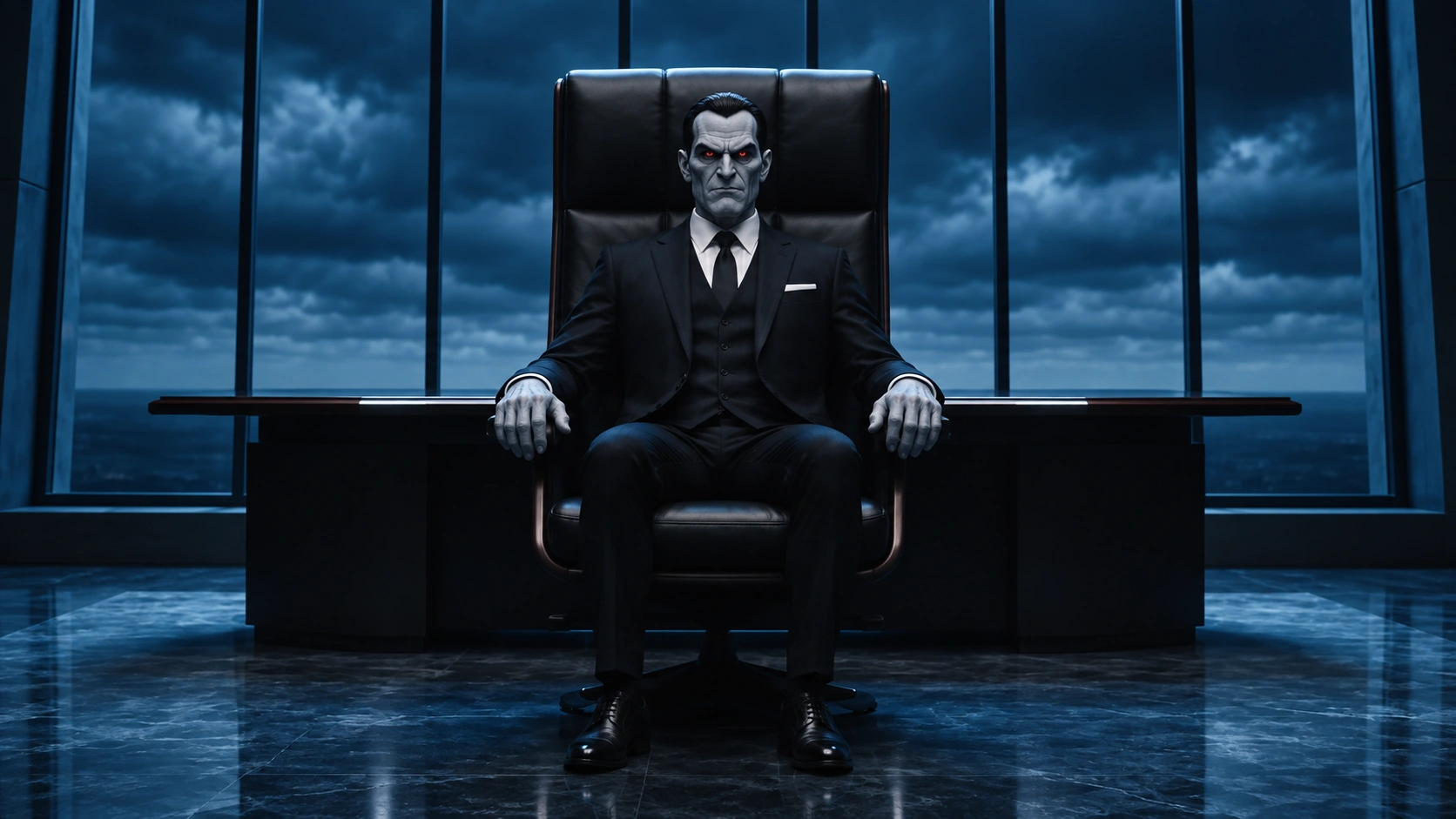
BytePlus
Try several shots at 480p before selecting one for a final render.
@SeeGen_Official
A look at testing ideas and refining videos before the final render.
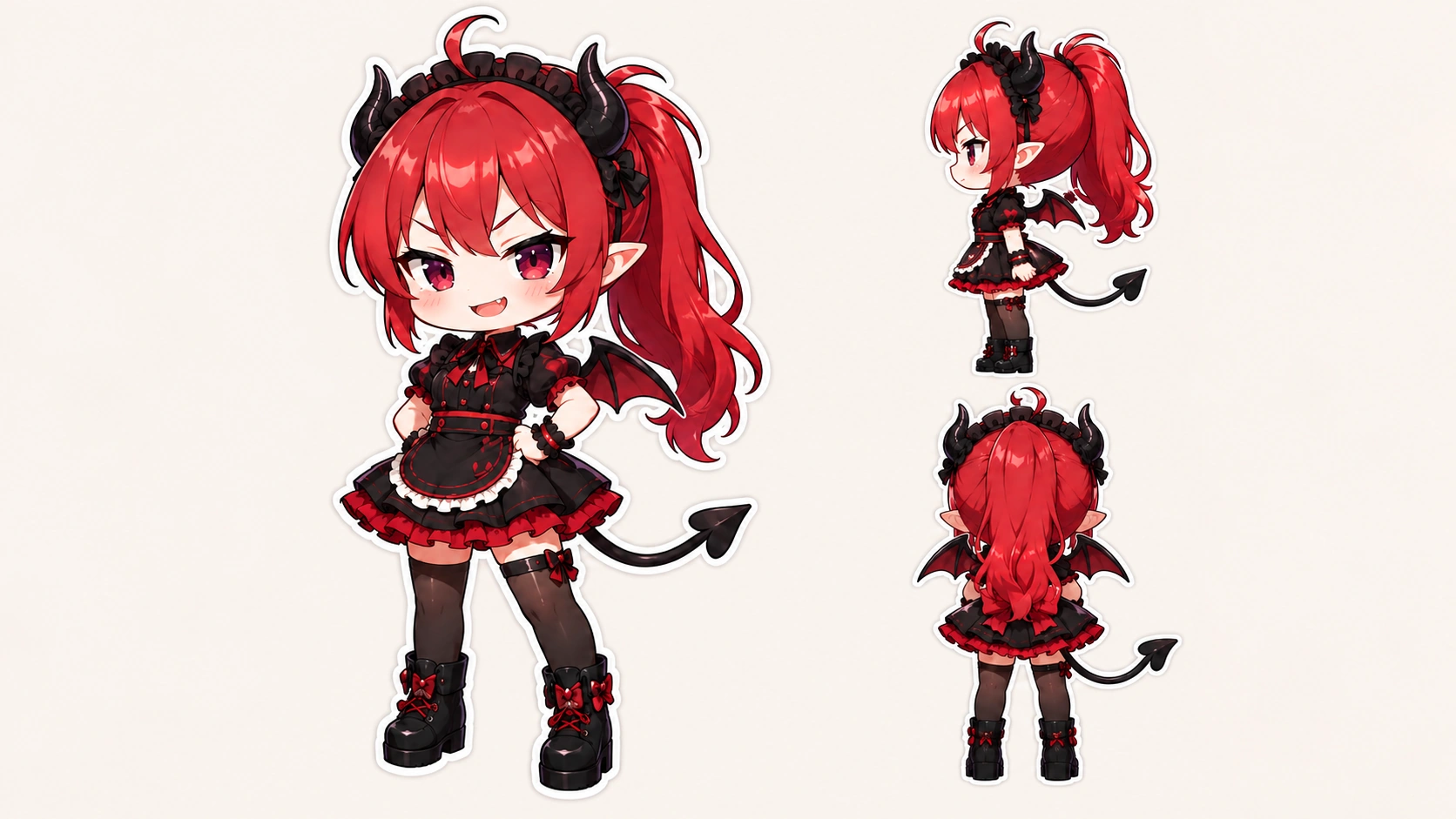
@BytePlusGlobal
BytePlus introduces the 480p draft and native 1080p final workflow.
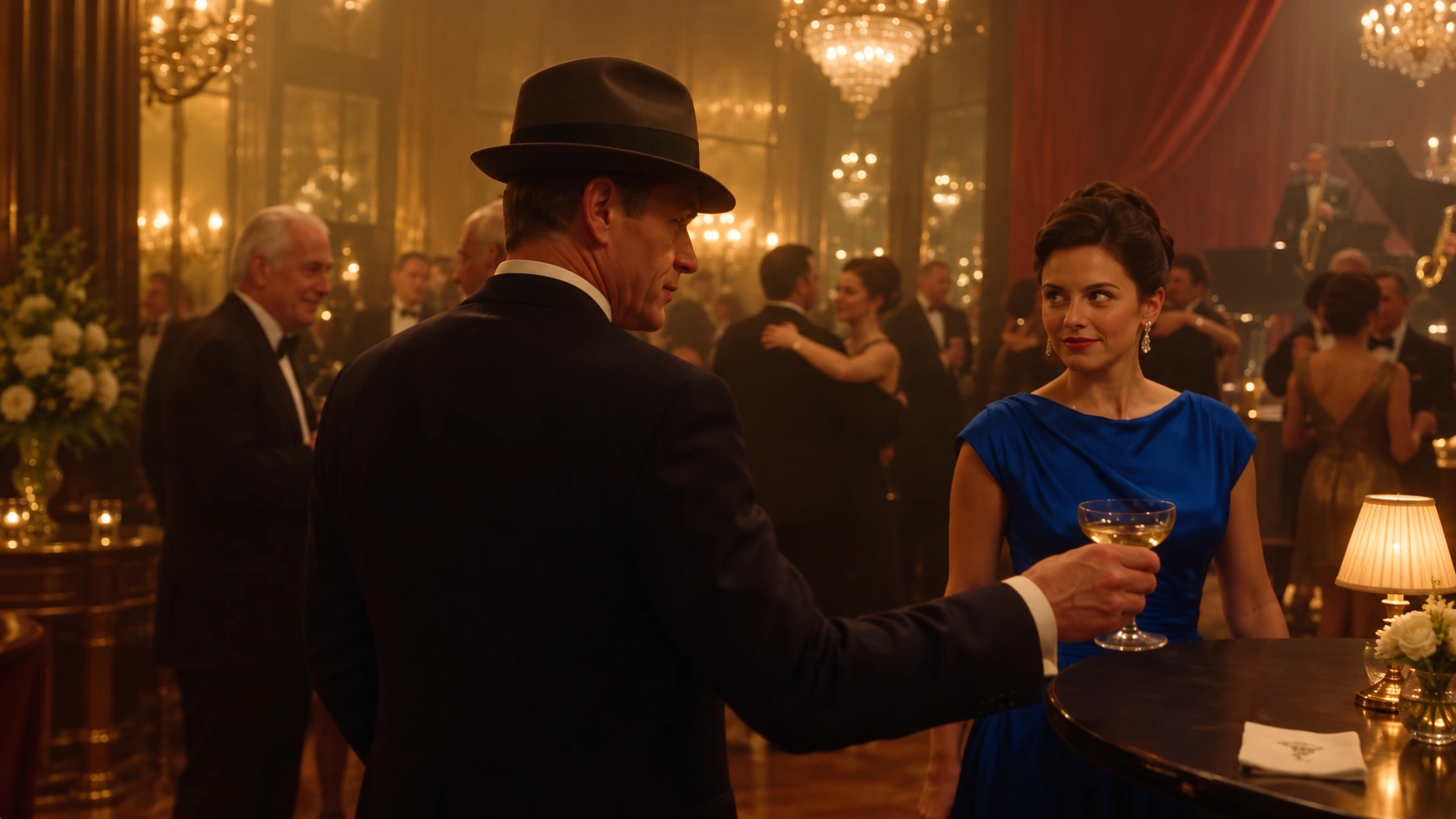
@aziz4ai
A first impression of checking whether a scene works at 480p.

@JSFILMZ0412
A side-by-side experiment with Preview Mode and regular 480p.

Try your idea at 480p. Review the action, camera movement, and timing. When a draft looks right, generate its 1080p final on SeeGen AI.