Limited-Time Offer: Save up to 55% and Enjoy Seedance from Just $0.02/sec.Try Now
Now available on SeeGen AI

Free MiniMax H3, H3 Max & H3 Max Turbo Online

Create 4–15 second AI videos with MiniMax H3 in up to 2K resolution. Use up to 9 image references, 3 video references, and 3 audio references to guide characters, motion, and sound. Choose H3 Max or H3 Max Turbo when faster generation is the priority.

Input and output

MiniMax H3 vs MiniMax H3 Max vs MiniMax H3 Turbo

Compare MiniMax H3 models by resolution, duration, and input options. Choose H3 for 2K and multimodal references, H3 Max for quality and speed, or H3 Max Turbo for faster text-to-video and image-to-video creation.

SpecificationMiniMax H3MiniMax H3 MaxMiniMax H3 Max Turbo
DeveloperMiniMaxfal, built on MiniMax H3fal, built on H3 Max
ReleaseAugust 2026September 1, 2026Early September 2026
Open-Weight StatusYes — MiniMax H3 Community LicenseNo — hosted API onlyNo — hosted API only
Text to VideoSupportedSupportedSupported
Image to VideoSupportedSupportedSupported
First and Last FramesSupportedSupportedSupported
Reference ImagesUp to 9 imagesSupportedNot supported
Reference VideosUp to 3 clips, 15s totalSupportedNot supported
Reference AudioUp to 3 clips, 15s totalSupportedNot supported
Video Duration4–15 seconds5–15 seconds5–15 seconds
Output Resolution768p, 2K480p, 768p480p, 768p
Native AudioSupportedSupportedSupported
Best ForReference-heavy, high-resolution videoPolished output with balanced speed and qualityFast drafts, testing, and high-volume creation

SeeGen AI currently offers H3 at 768p and 2K, and Max / Turbo at 480p and 768p. Turbo supports text, a first frame, or first and last frames; it does not accept reference images, video, or audio.

Key features

MiniMax H3 AI Video Generator Features

Create up to 15-second videos with precise frame guidance, multimodal references, and synchronized sound. Explore up to 2K output with H3 or faster generation with H3 Max and Turbo.

01

15-Second Videos with Better Control

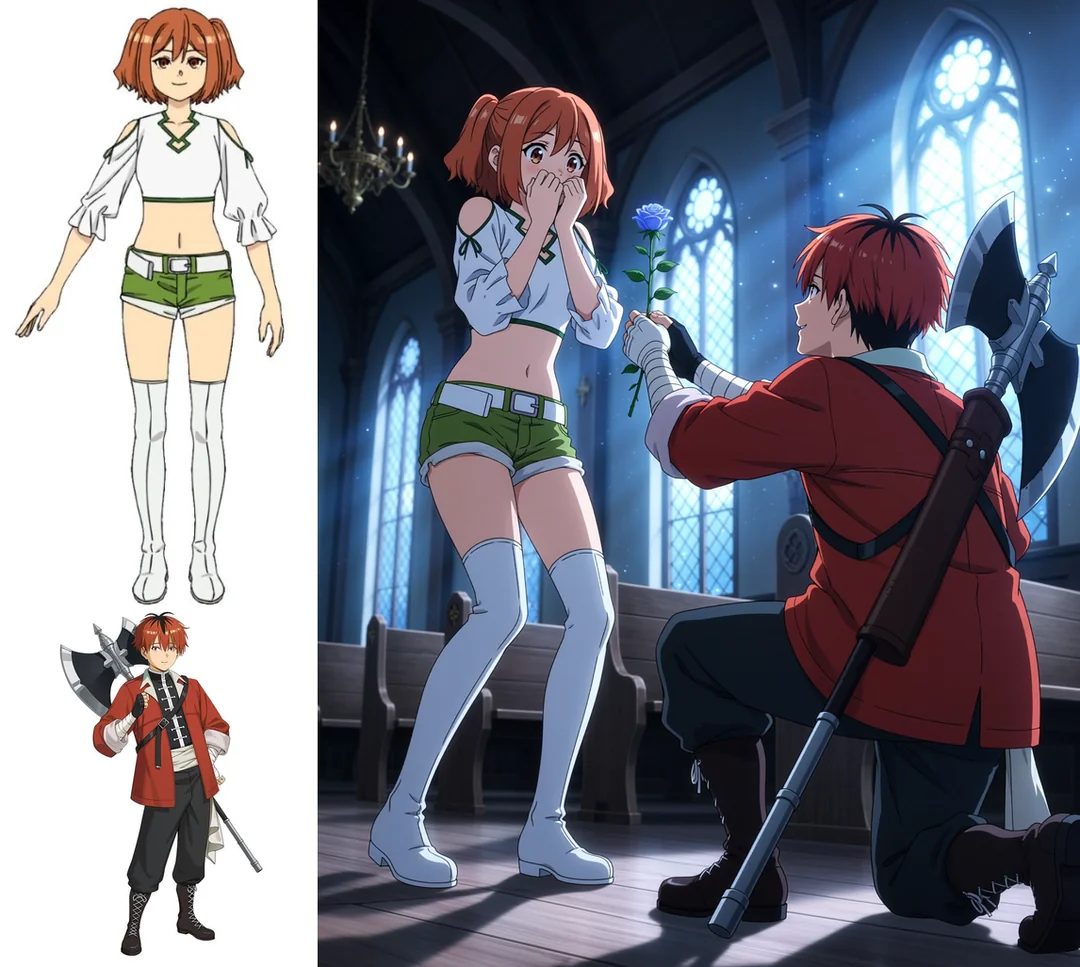
Give your ideas room to unfold with up to 15 seconds per generation. Set the first and last frames with two images, then describe how the action and camera should move between them. Guide the pacing and transitions to give your video a clear beginning and ending.
02

Up to 2K, Ready for the Details

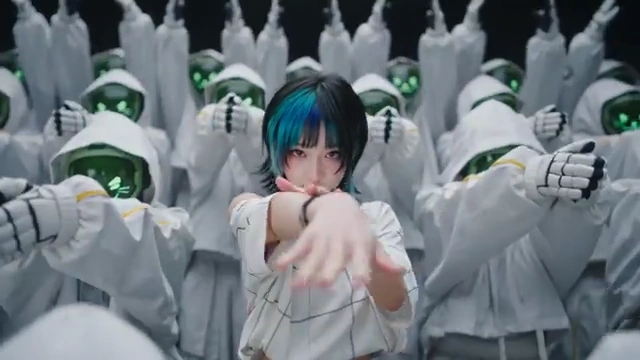
Create videos in up to 2K with MiniMax H3, or choose 480p and 768p with H3 Max and Max Turbo. Select your preferred resolution before generating, whether you’re exploring an early idea or creating a video for your next project.

03

Your References, Working Together

Guide characters, settings, movement, and sound in one generation. H3 accepts up to 9 images, 3 video clips, and 3 audio clips, with a maximum of 12 files. Video and audio references each have a separate 15-second total limit. Explain what each reference should contribute, from a character's appearance to camera movement or voice.

04

Let Your Characters Speak in 11 Languages

Create dialogue in English, Chinese, Japanese, Korean, French, German, Spanish, Portuguese, Italian, Russian, and Arabic. H3 generates voices, music, and sound effects alongside the visuals in 32 kHz stereo. Describe the tone, delivery, and background sounds to shape how your scene feels.

05

Rework a Scene with a Few Words

Change a subject, replace a background, adjust the lighting, or rewrite dialogue using reference footage and a prompt. Tell H3 what to update and which details you want to keep. Use an existing clip as your starting point to explore a different look or creative direction.

06

Explore More Ideas with Max and Turbo

Try a different camera angle, adjust the movement, or change the mood. H3 Max and Max Turbo offer faster generation so you can compare takes and refine your video with shorter waits. Make focused adjustments between versions to find the combination that best fits your idea.

How to use

How to Use MiniMax H3 on SeeGen AI

01

Choose Your Model and Mode

Select MiniMax H3, H3 Max, or H3 Max Turbo in the workspace. Start with Text to Video, animate an image, or choose an available frame or reference mode for more control over your scene.

02

Add Your Prompt and References

Describe what happens, how the camera moves, and what viewers should hear. Upload first and last frames or supported image, video, and audio references. Explain what each reference should guide, including appearance, movement, or sound.

03

Generate, Review, and Download

Set your video duration, resolution, and available aspect ratio. Check the credit cost, then generate your video. Preview the result, download your favorite take, or adjust your prompt and references to try another version.

Model comparison

MiniMax H3 vs Seedance 2.0 vs Wan 3.0

Compare video length, resolution, reference inputs, and model availability. See how MiniMax H3, Seedance 2.0, and Wan 3.0 fit your workflow, from short clips with sound to longer sequences guided by multiple references.

FeatureMiniMax H3Seedance 2.0Wan 3.0
Developed ByMiniMaxByteDanceAlibaba Cloud
First ReleasedJuly 31, 2026February 12, 2026August 2026
Open-Weight AvailabilityH3-Base weights available under a community licenseNo public model weightsNo verified official public weights
Video DurationUp to 15 secondsUp to 15 secondsUp to 30 seconds
Maximum Output ResolutionUp to 2K through the H3 regeneration pipelineUp to native 4KUp to 1080p
Text to VideoSupportedSupportedSupported
Image to VideoSupportedSupportedSupported
First and Last Frame ControlSupportedSupportedSupported
Reference ImagesUp to 9Up to 9Up to 10
Reference VideosUp to 3Up to 3Up to 5
Reference Audio ClipsUp to 3Up to 3Up to 5
Combined Reference Limit12 files12 files20 files
Generated AudioNative dialogue, music, and sound effects; stereo outputNative dialogue, music, and sound effectsNative dialogue, music, and sound effects
Best forShort videos with stereo sound and mixed-media referencesHigh-resolution videos with character, motion, and audio referencesLonger videos with up to 30 seconds of continuous storytelling
Why SeeGen AI

Why Choose SeeGen AI for MiniMax H3?

1Free credits

Start with Free Credits

Sign up and join our Discord to receive 200 free credits. Use them to explore MiniMax H3 on SeeGen AI and see how it responds to your prompts before purchasing more.

2Three models

Three Models, One Workspace

Access MiniMax H3, H3 Max, and H3 Max Turbo in one place. Choose the model that fits your project, then experiment with different prompts and settings without switching platforms.

3Web + API

Create on the Web or Build with the API

Generate videos directly in your browser or connect SeeGen AI to your own tools through the API. All consumer plans support both, with a shared credit balance across web and API usage.

4Transparent pricing

See the Cost Before You Generate

Check the credit cost for your selected model, duration, and resolution before starting. Top up your balance as needed and choose settings that work for your budget.

Community discussion

What Creators Are Saying About MiniMax H3

Explore creator reviews, video tests, and discussions about MiniMax H3, H3 Max and H3 Max Turbo on X, Reddit, and YouTube.

Reddit Discussions about MiniMax H3

Youtube Reviews for MiniMax H3

X Posts about MiniMax H3

Frequently asked questions

FAQs about MiniMax H3 AI Video Generator

Can I try MiniMax H3 for free on SeeGen AI?+
Yes! Sign up and join our Discord to get 200 free credits. Try the MiniMax H3 family with your own prompts and references, then top up when you're ready for more. Credit costs vary by model and settings, and you can see the cost before generating.
Can I run MiniMax H3 on my own hardware?+
Yes. MiniMax has released H3-Base model weights for self-hosting under its Community License. You’ll need compatible GPU hardware and some technical setup. The open-weight release covers the base model; the complete hosted workflow, including 2K regeneration, isn’t included.
Why choose SeeGen AI instead of hosting H3 myself?+
Start creating without downloading models, setting up GPUs, or maintaining servers. SeeGen AI brings H3, H3 Max, and H3 Max Turbo into one workspace, with browser tools and API access. It’s a convenient way to explore the models and build a workflow without managing the infrastructure yourself.
What's the difference between H3, H3 Max, and H3 Max Turbo?+
Choose H3 for output up to 2K and multimodal references. H3 Max focuses on visual quality, prompt following, and faster generation. H3 Max Turbo emphasizes speed for quicker experimentation. On SeeGen AI, Max and Turbo support 480p and 768p; Turbo accepts text, first-frame, and first/last-frame inputs.
Can I use images, video, and audio together?+
Yes. Guide H3 with up to 9 images, 3 video clips, and 3 audio clips, within a combined limit of 12 files. Video references can total up to 15 seconds, and audio references have a separate 15-second limit. Tell H3 what each file should guide, from a character’s appearance to movement or sound.
Can I turn an audio recording into a video?+
You can use audio to guide your video, but H3's reference mode also requires an image or video. Add a visual reference, upload your audio, and describe the result you want. No audio file? Simply describe the dialogue, music, or sound effects in your prompt to generate them alongside the visuals.
Can I use my credits on both the website and API?+
Yes. All SeeGen AI consumer plans include web and API access, with one shared credit balance. Experiment in your browser, then bring generation into your own tools through the API. Your credit cost depends on the model, duration, resolution, and reference inputs.
Start creating

Your Next Video Starts with MiniMax H3

Bring your ideas to life with MiniMax H3, H3 Max, and H3 Max Turbo on SeeGen AI. Sign up and join our Discord to get 200 free credits and try your first video.